Guide
Easy Test Creator: Pick the Right Test Type, Then Build It Free
Search for an easy test creator and you get very different tools: exam software, classroom quiz apps, lead quizzes. They are not the same job. This guide helps you decide what kind of test you need first, then shows how to build a scored one for free.
Quick answer
What is an easy test creator, and which one should you use?
An easy test creator is a tool that lets you write questions, score the answers and show a result without any code. Pick it by the job: formal exams need exam software, while scored tests that assess, qualify or sort people fit a scored quiz builder. FluoTest is a free scored quiz builder with unlimited quizzes and responses.
What is an easy test creator?
An easy test creator is software where you type questions, give each answer a score, and share a link. The taker sees a result and you see the answers. The word test covers three different jobs, and the right tool depends on which one you have.
An exam checks knowledge against right and wrong answers, often under strict conditions. A quiz is lighter and usually for engagement or practice. An assessment scores answers into a profile or a level and decides what happens next. Coaches, consultants and agencies mostly need the third one.
Why use FluoTest as your test creator
FluoTest is a scored quiz builder. You get unlimited quizzes and responses, all question types, score tiers and routing, and several score categories per quiz, all on the free plan. You can add conditional branching and custom outcomes, so different scores lead to different results.
It is built for scored tests that assess or qualify people, not for formal proctored exams. If that is your need, this guide will tell you so before you spend time. For assessments, you also get CSV export, welcome and thank-you pages, and theme settings for colors, font and size.
Try it: fluotest.com
How to create a scored test in 6 steps
1. Name the decision the test supports
Write one sentence: after this test, I will decide X. It could be which package to offer, who to book a call with, or who needs extra help. If you cannot finish the sentence, you may not need a test yet.
2. Choose the test type
Exam, quiz or assessment. For right and wrong answers under strict conditions, use dedicated exam software. For scoring answers into levels or profiles, build a scored assessment in FluoTest.
3. Write 8 to 12 questions
I'd keep a scored test to about 8 to 12 questions. Shorter tests are easier to finish. Keep each question about one thing, use any question type that fits, and remove every question that would not change the result.
4. Give answers a score
Assign points to each answer. If you measure more than one area, use several score categories. A radar results chart is available when you have 3 or more categories.
5. Set score tiers and outcomes
Split the total score into tiers, such as low, medium and high. Give each tier its own result and next step. Use conditional branching if some questions only matter for certain answers.
6. Take it yourself, then share it
Run the test with your own answers at the lowest and highest scores and check that each lands on the right outcome. Then add a welcome page and a thank-you page and share the link.

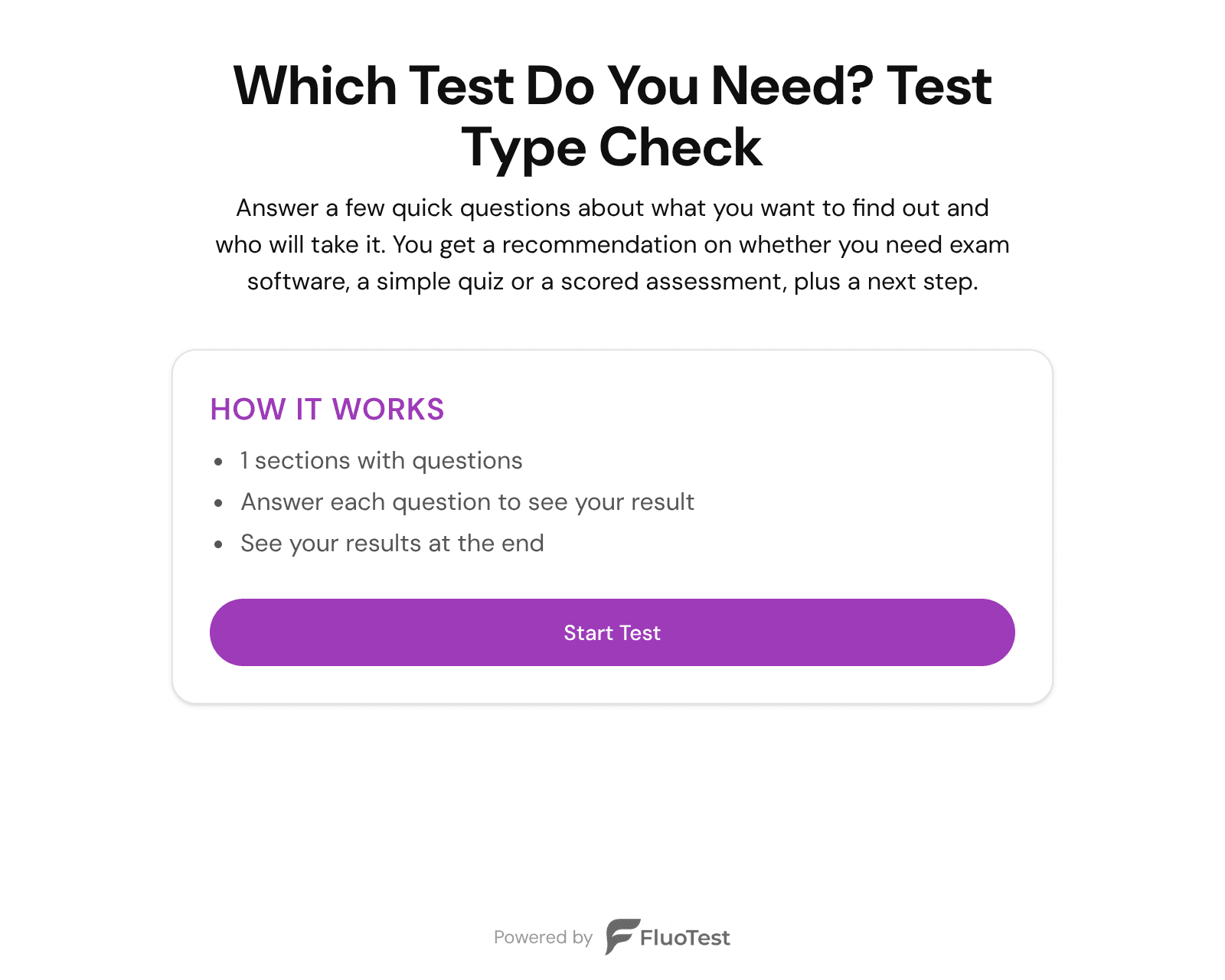
Try it:
Create your test freeBenefits of a scored test over a plain form
- -Every answer counts toward a result, so people get something back right away.
- -Score tiers let you sort people without reading each response by hand.
- -Several score categories show where someone is strong and where they are weak.
- -Conditional branching keeps the test short for each person.
- -You can export all responses as CSV and work with them elsewhere.
- -Unlimited quizzes and responses on the free plan means you can test ideas without a limit.
Who should use a scored test creator
- -Coaches who want to know a client's starting level before the first session.
- -Consultants who need to screen prospects before a discovery call.
- -Agencies that want a short assessment for new leads.
- -Service businesses that sort inquiries into different offers.
- -Trainers who want a quick skills check that gives a level, not a formal grade.
Frequently Asked Questions
Is there an easy test creator that is free?
Yes. FluoTest has a free plan with unlimited quizzes and responses, all question types and score tiers. Basic analytics refresh about every 5 minutes. Paid plans add things like badge removal and advanced analytics.
Can I make an exam with an easy test creator?
It depends on what you mean by exam. FluoTest is built for scored assessments and quizzes, not for formal proctored exams. If you need strict exam conditions, choose software made for that.
How many questions should an easy test have?
I'd keep a scored test to about 8 to 12 questions. Shorter tests are easier to finish. Keep a question only if it can change the result.
Can I give different results based on the score?
Yes. You set score tiers and give each tier its own outcome. You can also use custom outcomes and routing, so a score leads to a specific next step.
Can I download the answers from my test?
Yes. You can export responses as CSV on the free plan.
Build your first scored test
Free to start. Pick your test type, write your questions and share the link.
What you get with FluoTest:
- - Unlimited quizzes and responses
- - All question types
- - Score tiers and routing
- - Several score categories per quiz
- - Conditional branching and custom outcomes
- - CSV export
- - Welcome and thank-you pages
Questions? Read our pricing page or browse quiz templates.