Comparison
FluoTest vs Google Forms: Which Quiz Tool is Better for Lead Qualification?
Google Forms is free and simple. But if you're trying to qualify leads, it falls short. Here's why FluoTest is the better choice for coaches, consultants, and service providers who need to score and route leads automatically - before a sales call.
What is Google Forms?
Google Forms is a free form and survey builder from Google. It integrates automatically with Google Sheets, which means every response goes into a spreadsheet you can filter and sort. It supports multiple choice, short answer, checkboxes, dropdowns, and file uploads.
It is familiar, reliable, and used by millions of people for everything from event RSVPs to academic research. For collecting simple information, it works perfectly.
What is FluoTest?
FluoTest is a lead qualification quiz builder. You assign point values to each answer, define score tiers, and set a different action per tier: show a calendar booking link, collect an email, or redirect to a URL. When someone completes your quiz, you get an email notification with their score and full answer breakdown.
FluoTest is free with no submission limits, no quiz limits, and no trial period.
Try it: fluotest.com
Pricing: Both Are Free
Google Forms
- Free forever
- Part of Google Workspace
- No paid tiers
- Unlimited responses
Google Forms is completely free. All features are available at no cost.
FluoTest
- Free forever
- No response limits
- No quiz limits
- No credit card required
Both tools are free. The difference is not price - it's what each tool can do with your responses. Read more about our pricing philosophy.
Feature Comparison: Google Forms vs FluoTest
| Feature | Google Forms | FluoTest |
|---|---|---|
| Price | Free | ✓ Free |
| Score-based results | ✓ | ✓ Yes |
| Conditional outcomes per score | ✓ | ✓ Yes |
| Automatic lead routing | ✓ | ✓ Yes |
| Email capture per score tier | ✓ | ✓ Yes |
| Calendar booking by score | ✓ | ✓ Yes |
| Embed on website | ✓ Yes | ✓ Yes |
| Custom branding | Limited | ✓ Full |
| Lead qualification built-in | ✓ | ✓ Built for it |
| Analytics dashboard | Basic | ✓ Advanced |
Google Forms gives you the data. FluoTest qualifies the leads for you - automatically, without manual spreadsheet review.
How FluoTest Replaces Manual Qualification
With Google Forms, your workflow is: collect responses → export to spreadsheet → manually review each one → calculate scores → decide who's qualified → reach out individually. That works at 5 leads per week. At 50+ per week, it becomes a part-time job.
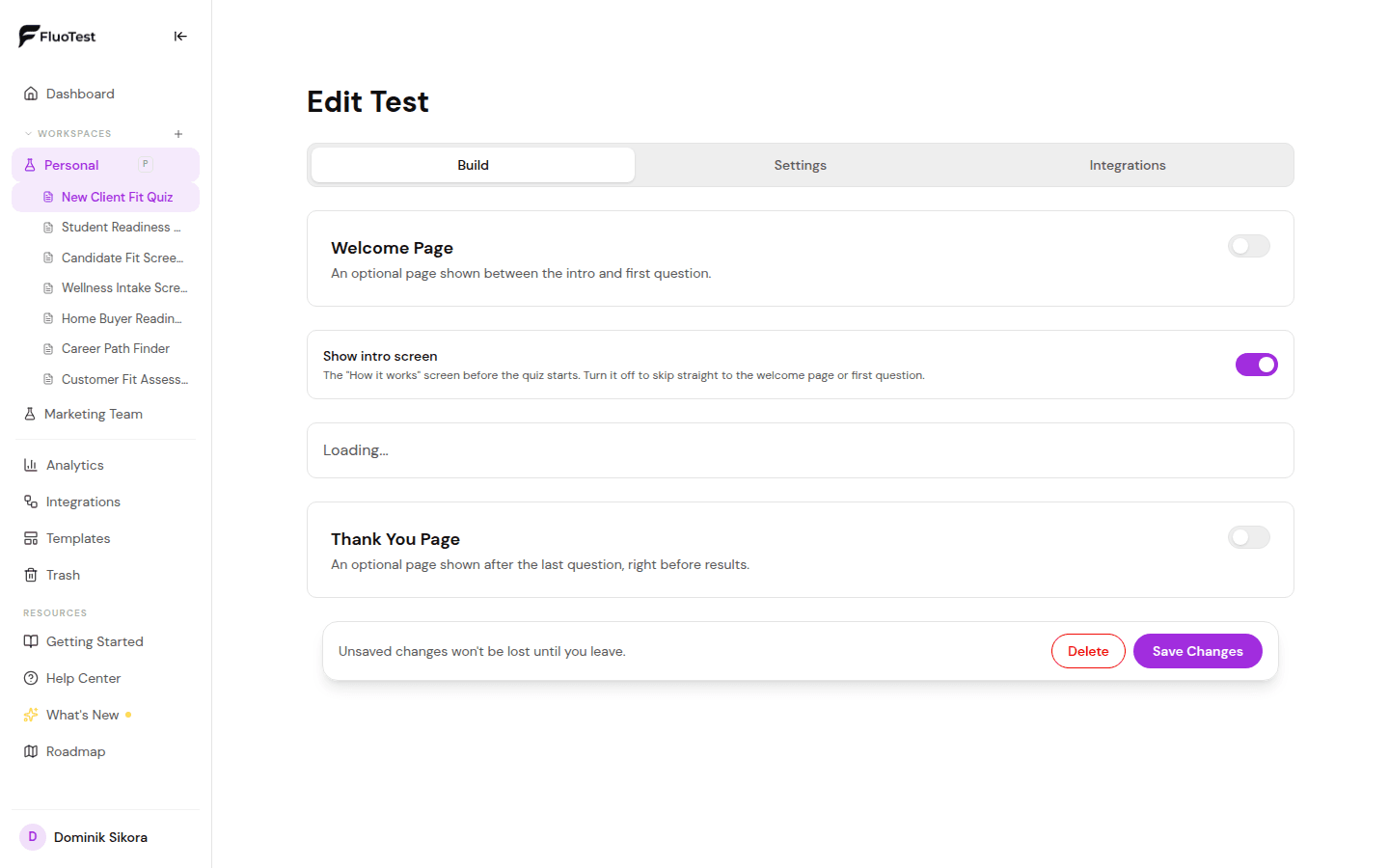
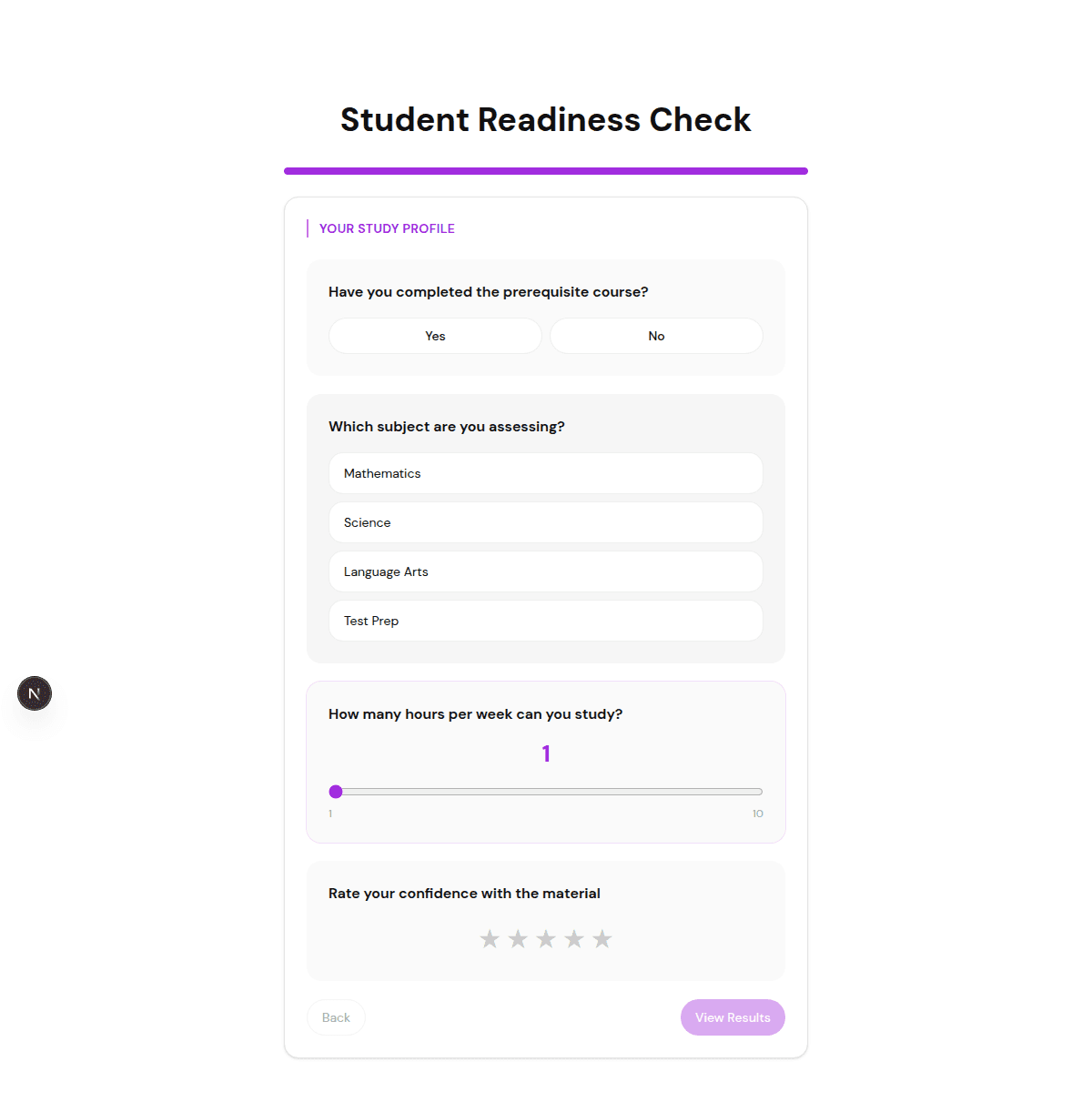
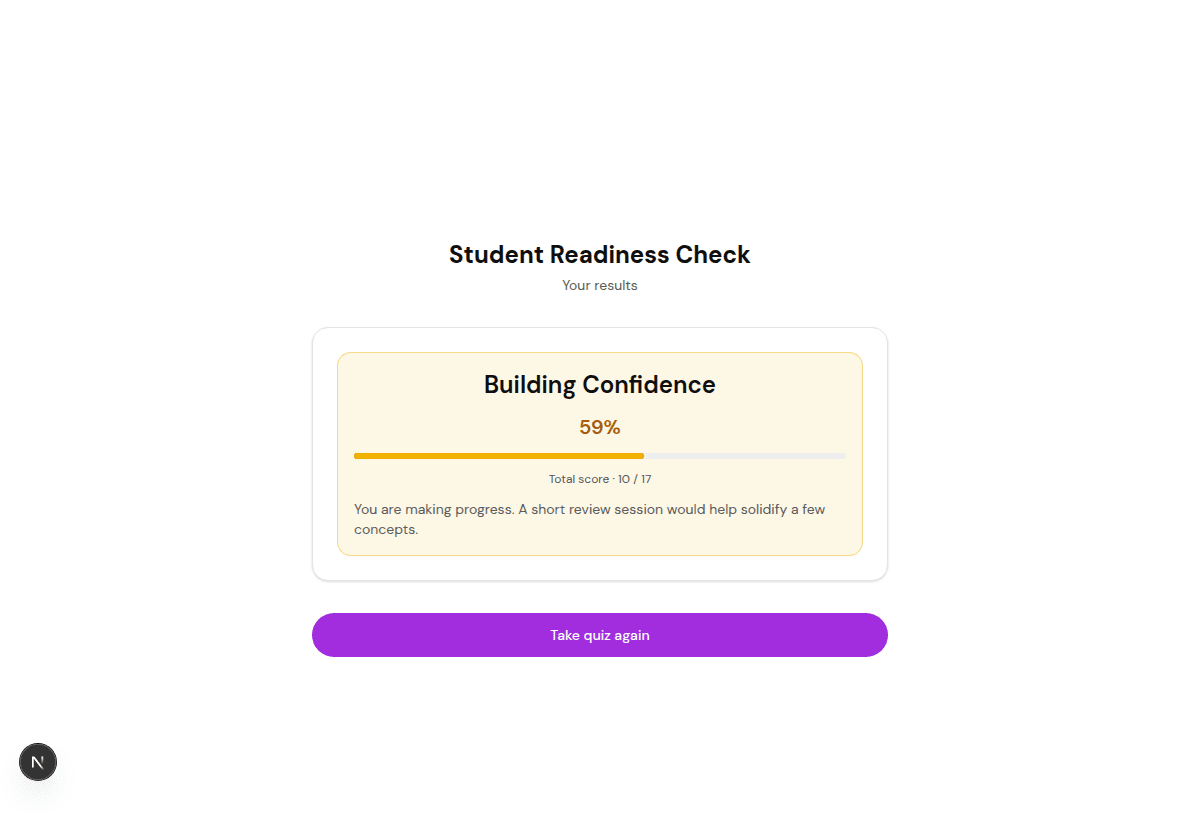
With FluoTest, the quiz scores leads automatically. High-scoring leads see your calendar link and book a call. Medium-scoring leads leave their email for follow-up. Low-scoring leads get a helpful resource. You wake up to booked calls - no manual review, no spreadsheet sorting.
Who Should Use Google Forms?
- -Teams that need simple surveys or feedback collection
- -Event organisers collecting RSVPs and registrations
- -HR teams building internal forms
- -Academic researchers running polls and studies
- -Anyone who needs basic data collection without qualification logic
- -Teams already deep in the Google Workspace ecosystem
Who Should Use FluoTest?
- -Coaches and consultants who want to qualify leads before a sales call
- -Service providers running paid ads to a quiz funnel
- -Agencies that need to filter out unqualified inquiries automatically
- -Anyone tired of manually reviewing form responses and calculating scores
- -Teams that want different outcomes per score tier without coding
- -Businesses that need email notifications with score context on every submission
Verdict
Google Forms is great for data collection. If you need to gather information and review it manually, it does the job perfectly - and it's free forever.
FluoTest is built for lead qualification. If you want to score leads automatically, show different results per score tier, and route qualified leads to a calendar - FluoTest does that out of the box.
Both are free. The question is whether you want to review every response manually or let the quiz do the qualification for you.
Frequently Asked Questions
Is FluoTest really free like Google Forms?
Yes. FluoTest is free with no trial period, no credit card required, and no response limits. The only difference is a small 'Powered by FluoTest' badge on quiz results, which you can remove by upgrading to Pro (€12/month).
Can't I just add a scoring formula to Google Sheets?
You can, but you still have to do it manually after each response. You'd need to write formulas, check thresholds, find the email, and reach out individually. FluoTest scores and routes automatically on every submission.
Does FluoTest have conditional logic like Google Forms?
FluoTest supports conditional outcomes per score tier - showing different results to high, medium, and low scorers. Google Forms supports conditional question routing (skip logic), but not conditional result pages based on a total score.
Can I embed FluoTest on my website like Google Forms?
Yes. FluoTest quizzes can be embedded on any website or shared via a direct link, just like Google Forms.
What's the main use case for FluoTest vs Google Forms?
Google Forms collects data. FluoTest qualifies leads. If you want to know who filled out your form, use Google Forms. If you want to know who is worth talking to - and have them book a call automatically - use FluoTest.
Google Forms collects data. FluoTest qualifies your leads.
Same price. Different outcome. FluoTest is free forever.
Try FluoTest now - no credit card required:
- - Create your first quiz in under 5 minutes
- - Assign point values and define score tiers
- - Get email notifications on every submission
- - Send high scorers to your calendar, low scorers to content
Questions? Read our pricing page or browse quiz templates.