Guide
How to Build a Quiz With Conditional Logic
A quiz that asks everyone the same ten questions in the same order feels like paperwork. A quiz that skips questions that don't apply and jumps straight to what matters feels like a conversation. That's conditional logic: showing or hiding content based on how someone already answered. Here is how to add it to a scored quiz without writing any code.
Quick answer
How do you add conditional logic to a quiz?
Use two independent tools: Branching sends respondents to a different section based on their answer to a Yes/No, Multiple Choice, Slider, Star or Number question, and Show only if hides or reveals a single question based on one earlier answer. Slider, Star and Number answers use a comparison such as greater than, less than or between. Combine both with scored outcomes so the final result and next step also change based on score, tier, or a specific answer.
What Is Conditional Logic in a Quiz?
Conditional logic means the quiz changes based on what a respondent has already answered, instead of showing every question to every person in a fixed order. A homeowner and a renter should not see the same follow-up questions. A yes and a no answer should lead somewhere different.
In FluoTest, conditional logic has three layers: Branching (jump to a different section), Show only if (show or hide a single question), and scored outcomes (route the final result and next step by score, tier, or answer). Together, they let a 20-question quiz feel like a 6-question one for any given respondent.
Why Build It in FluoTest?
FluoTest is a free quiz builder with conditional logic built in. No code, no separate logic-jump plugin, no per-response fee. Branching and Show only if are toggles inside the question editor, and both work together with the scoring engine so skipped questions never break a score calculation.
Every submission still lands in your inbox with the full score breakdown, even when half the quiz was conditionally skipped. Connect Brevo to sync respondents with score attributes, use a Zapier, Make, or n8n webhook, or add Meta Pixel and GTM tracking, all included free.
Try it: fluotest.com
How to Add Conditional Logic in 6 Steps
1. Map the branches before you build
Sketch which answers should change the respondent's path. A simple yes/no question like "Do you rent or own?" is usually the cleanest branch point. Decide which questions only make sense for one path, and which single questions should just disappear for the wrong audience.
2. Use Show only if for single questions
For a question that only applies to some respondents, open its settings, turn on Show only if, and pick the earlier question plus the answer that should reveal it. Yes/No and Multiple Choice answers are matched exactly. For a Slider, Star or Number question, pick a comparison (equals, does not equal, greater than, less than, greater or equal, less or equal, or between) and a value instead, for example "between 0 and 6" on a 0-10 slider. It supports one condition per question.
3. Use Branching for bigger forks
When a whole group of questions should be skipped, not just one, turn on Branching on the fork question instead. Set "Continue" or "Jump to" a section for each possible answer, so a whole block of irrelevant questions is skipped in one move.
4. Layer them together
Branching and Show only if are independent and stack: a jump can land respondents in a section where one question still has its own Show only if condition on top. Use branching for the big forks and Show only if for the small exceptions inside a path.
5. Route the final result with scored outcomes
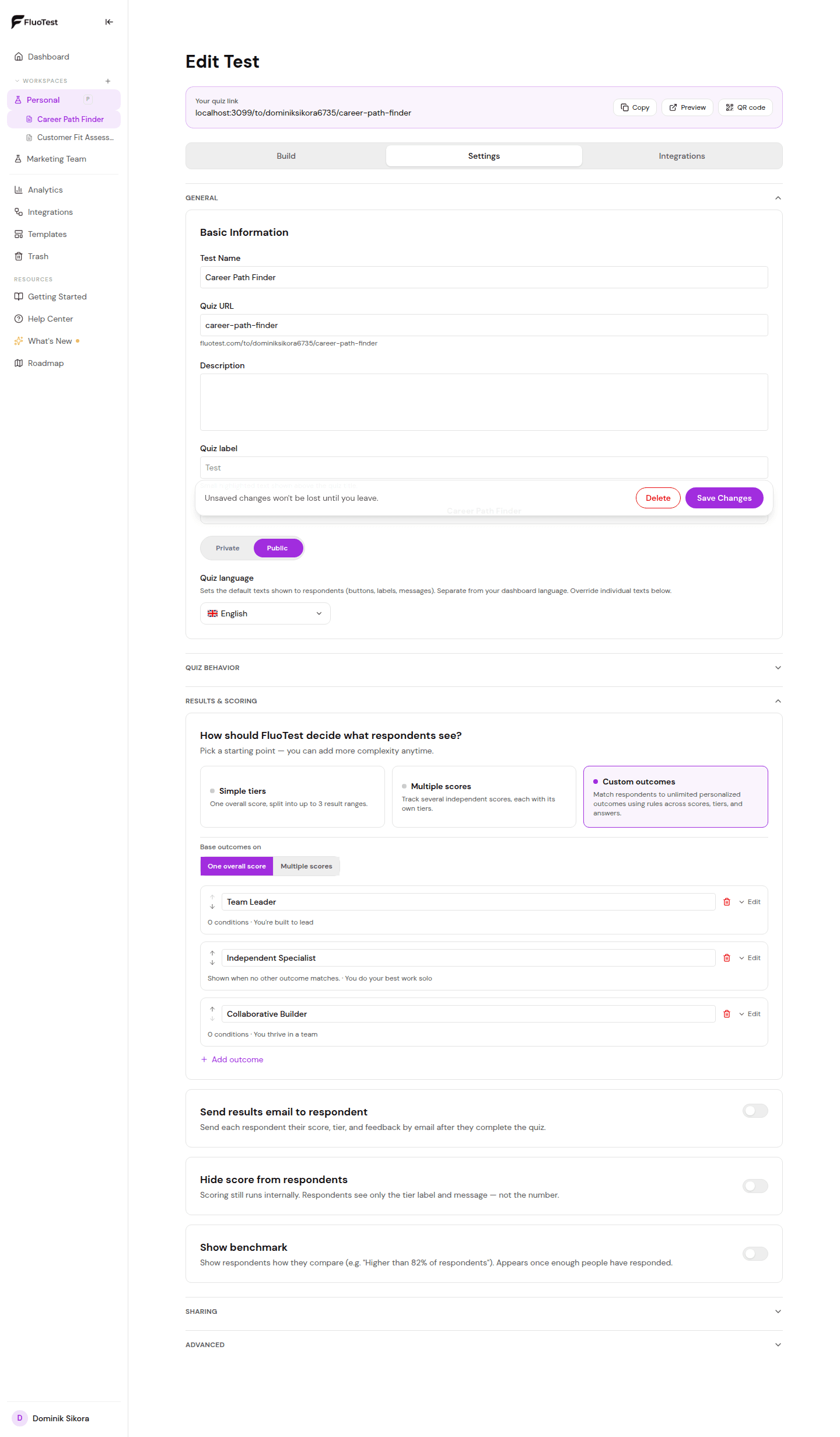
Conditional logic is not just about which questions someone sees, it is also about which result they get. Set outcome conditions on score range, score tier, or a specific answer, so a single answer can route to a different result page and action regardless of total score.
6. Test every path before you publish
Click through the quiz answering each way a real respondent might: yes, then no, then every branch. Confirm the right questions appear, skipped questions do not show up in the score, and every path lands on the outcome it should.
Why Conditional Logic Improves Completion and Data Quality
- -Respondents only answer what applies to them, so the quiz feels shorter and drop-off drops
- -One quiz replaces several separate quizzes built for different audiences
- -Irrelevant questions never pollute your score or your results data
- -A single answer can route someone to a completely different next step, not just a different message
- -Drop-off analytics show whether a specific branch is where people leave
- -Feels like a real conversation instead of a static form
Who Needs Conditional Logic in a Quiz?
- -Anyone whose audience splits into clearly different groups: renters vs owners, beginners vs experts, B2B vs B2C
- -Quizzes long enough that showing every question to everyone would hurt completion
- -Teams that want one quiz to serve multiple use cases instead of building several
- -Anyone whose scoring needs a hard override: a single disqualifying answer that should change the outcome regardless of total score
Frequently Asked Questions
What's the difference between Branching and Show only if?
Branching jumps a respondent to a different section based on their answer to a Yes/No, Multiple Choice, Slider, Star or Number question, skipping everything in between. Slider, Star and Number questions branch on comparison rules such as "greater than 8" or "between 0 and 6", checked from top to bottom. Show only if hides or shows one specific question based on a single earlier answer. Use branching for big forks and Show only if for single exceptions.
Can I combine multiple prior answers into one condition?
Show only if supports one condition per question, based on one prior answer. For logic that depends on two or more earlier answers, restructure the quiz into sections and use Branching, or use an outcome condition group with AND/OR rules to control the final result instead.
Do skipped questions affect my score?
No. Questions skipped by branching, or hidden because a Show only if condition was not met, are excluded entirely. They do not count toward the score, the results screen, the notification email, or exports.
Can the final result change based on one specific answer, not just the total score?
Yes. Outcome conditions can match on score range, score tier, or a specific answer to a specific question, so one answer can override the result regardless of total score.
Is conditional logic free on FluoTest?
Yes. Branching, Show only if, and scored outcomes are all included free, with no submission limits and no credit card required.
Ready to build a quiz that adapts to every answer?
FluoTest is free. No credit card required. Start in 5 minutes.
What you get with FluoTest:
- - Branching: jump to a different section based on an answer
- - Show only if: conditionally show or hide any question
- - Scored outcomes with AND/OR conditions on score, tier, or answer
- - Email notifications with the full score breakdown on every submission
- - Brevo integration, Zapier/Make/n8n webhooks, Meta Pixel & GTM
- - Per-question drop-off analytics
Questions? Read our pricing page or browse quiz templates.