Zveřejněte svůj kvíz
Kvízy jsou ve výchozím nastavení soukromé. Zde je postup, jak svůj kvíz zveřejnit.
- 1
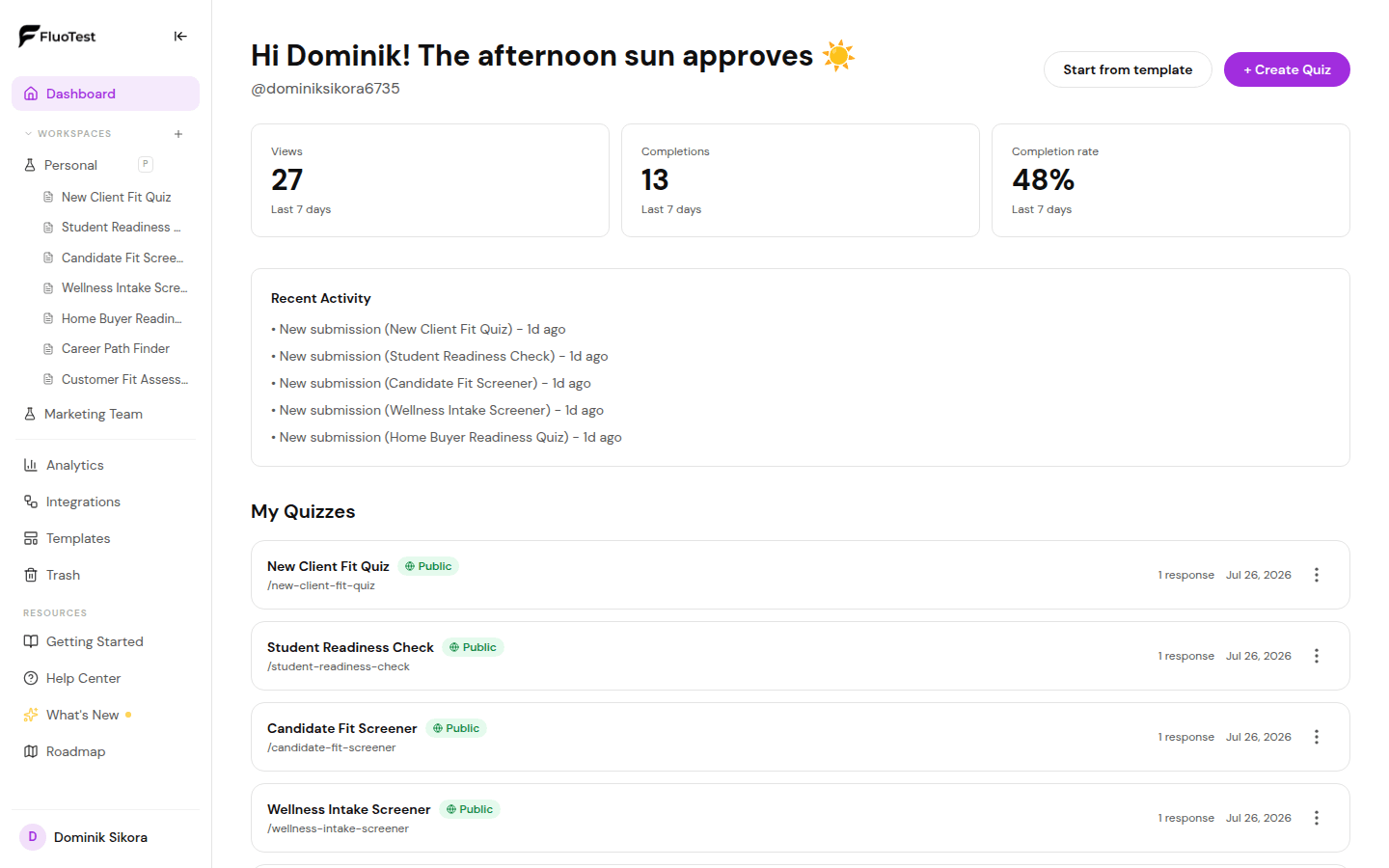
V dashboardu najděte kvíz, který chcete zveřejnit.
- 2
Kliknutím na kvíz otevřete nástroj pro tvorbu.
- 3
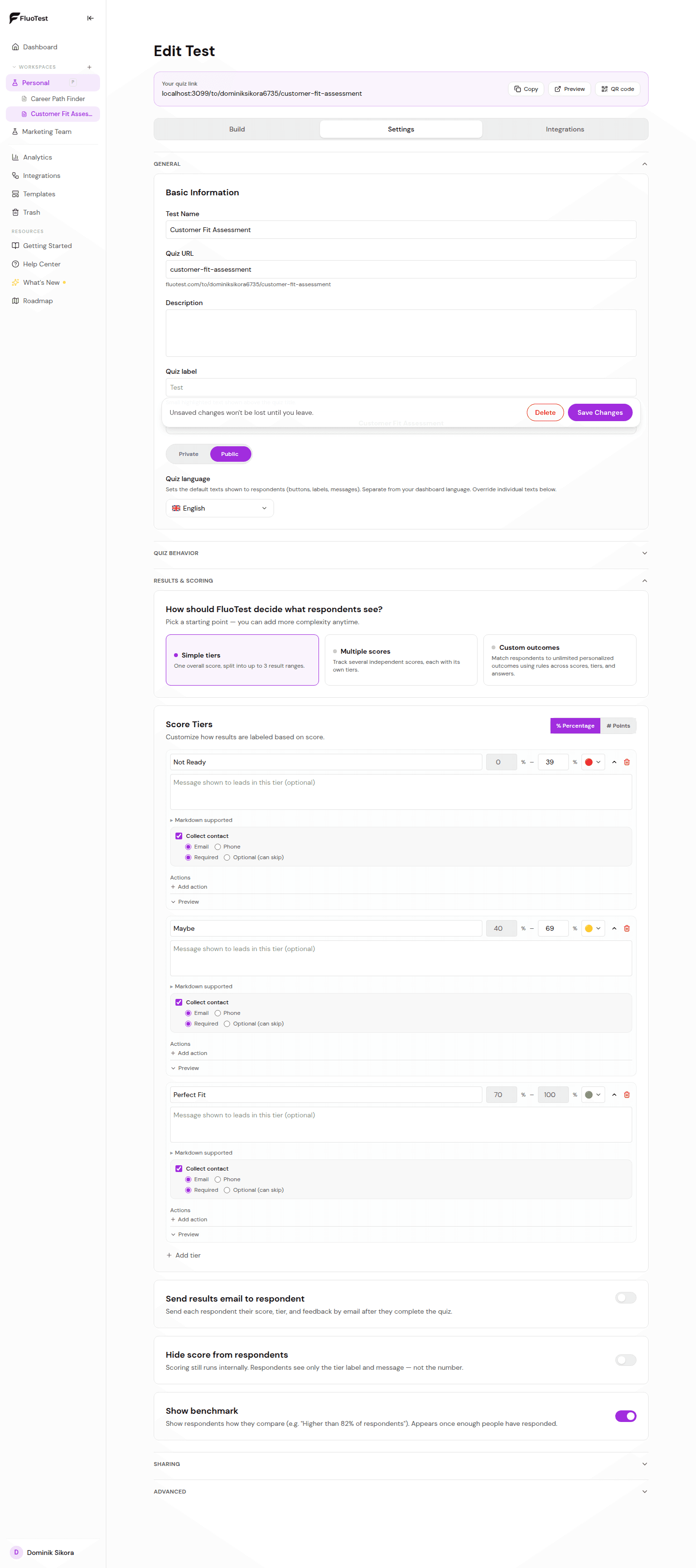
Najděte přepínač "Viditelnost" v nastavení kvízu (vpravo nahoře v nástroji pro tvorbu).
- 4
Přepněte ho na "Veřejný". Váš kvíz je nyní dostupný na své URL adrese.
- 5
Zkopírujte URL kvízu a otestujte ho v anonymním okně, abyste potvrdili, že je veřejně přístupný.
- 6
Pokud ho někdy potřebujete stáhnout offline, přepněte zpět na "Soukromý". Existující odkazy přestanou okamžitě fungovat.
Byl tento článek užitečný?