Je quizanalyses begrijpen
Het analysedashboard laat je zien hoe je quiz presteert — wie hem bekijkt, wie hem voltooit en hoe goed hij converteert.
- 1
Klik in je dashboard op de knop "Analyses" bij de quiz die je wilt bekijken.
- 2
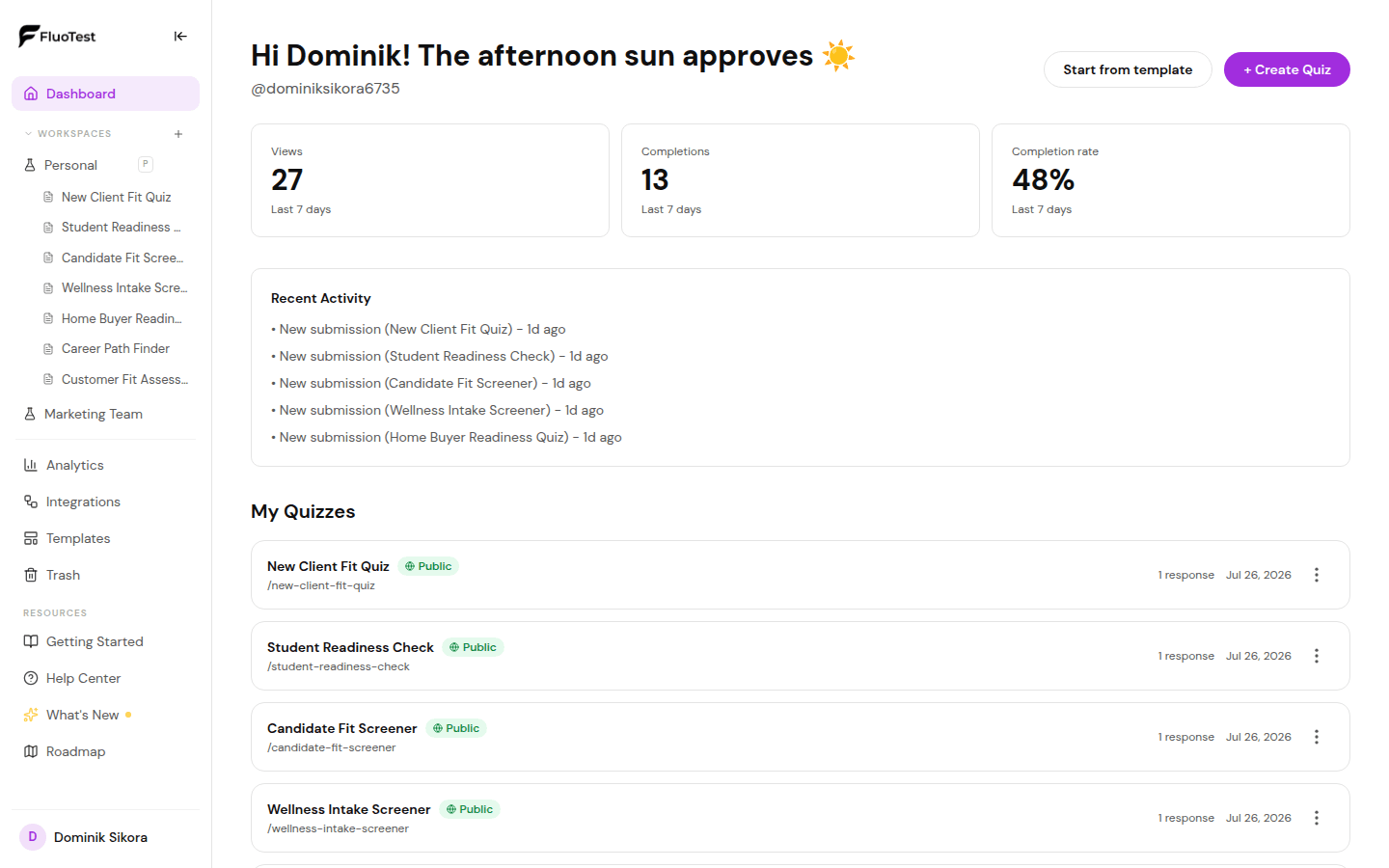
Je ziet bovenaan drie belangrijke statistieken: Weergaven (hoeveel mensen je quiz hebben bezocht), Voltooiingen (hoeveel hem hebben afgerond) en Conversieratio (voltooiingen gedeeld door weergaven).
- 3
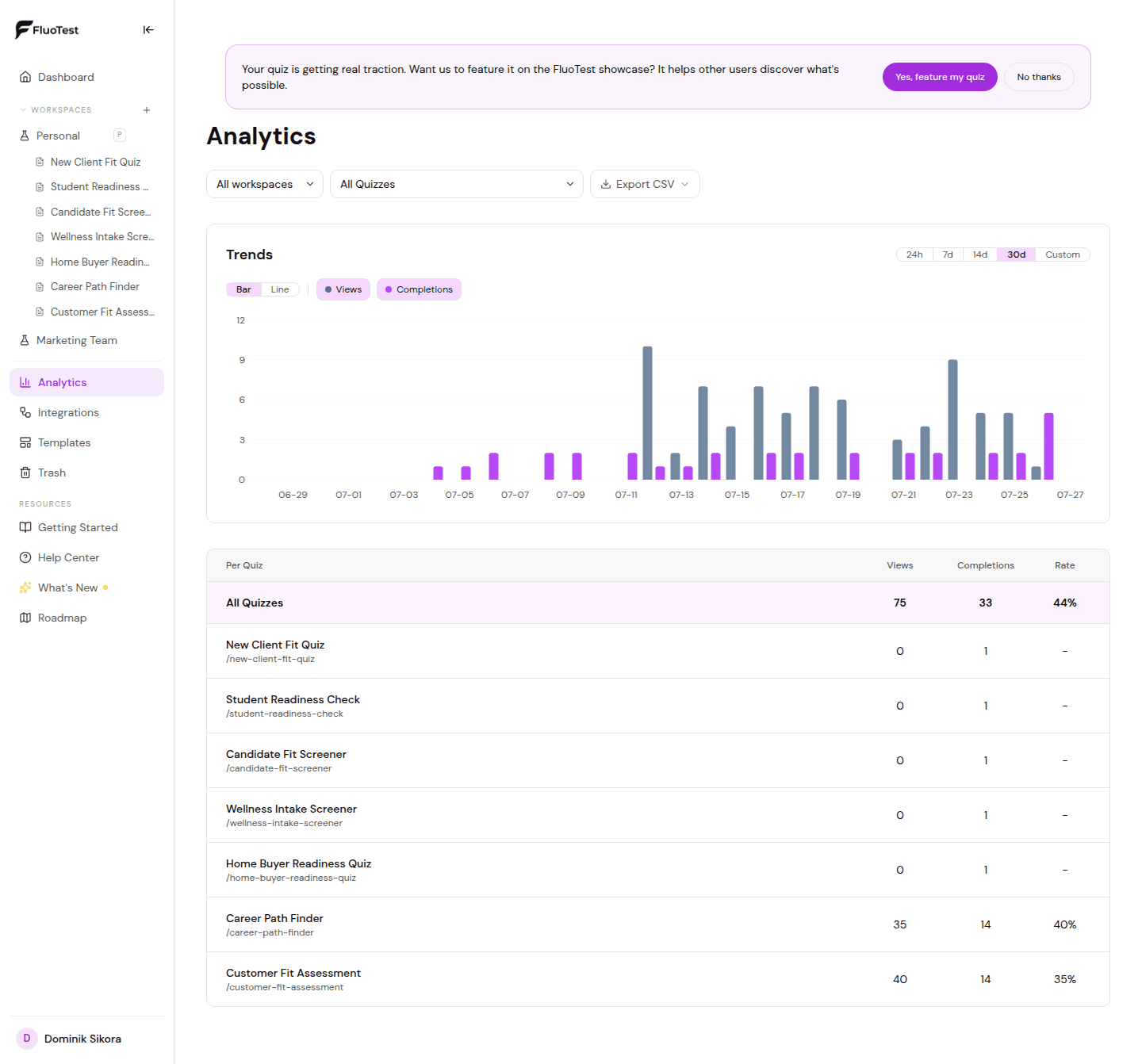
De grafiek toont weergaven en voltooiingen in de loop van de tijd. Gebruik dit om trends of pieken na deelcampagnes te spotten.
- 4
Onder de grafiek zie je individuele inzendingsrecords — de score van elke respondent en wanneer ze hebben ingediend.
- 5
Gebruik de quizkiezer bovenaan om tussen verschillende quizzen te wisselen.
- 6
Als je voltooiingspercentage laag is, overweeg dan de quiz te verkorten of de introductietekst te verbeteren om betere verwachtingen te scheppen.
- 7
Cijfers op het dashboard en in Analytics worden in Pro-werkruimtes live gelezen. Gratis werkruimtes verversen ze elke 5 minuten, en het kleine label boven de cijfers toont wanneer ze voor het laatst zijn bijgewerkt, dus een reactie die net binnenkwam kan tot 5 minuten op zich laten wachten.
NPS- / eNPS-score
Als een quiz vraagt hoe waarschijnlijk het is dat iemand je aanbeveelt op een schaal van 0-10, toont Analytics de Net Promoter Score voor die vraag. Het werkt hetzelfde voor klant-NPS en medewerkers-eNPS. Beschikbaar in Pro.
- Kies de quiz in de quizkiezer bovenaan. Elke NPS-vraag krijgt een eigen kaart met de score, het aantal en aandeel promotors, passieven en criticasters, en hoeveel mensen hebben geantwoord.
- De score is het percentage promotors (9-10) min het percentage criticasters (0-6), van -100 tot +100. Passieven (7-8) tellen mee in het totaal, maar niet aan een van beide kanten.
- Een vraag telt automatisch als NPS als het een slider van 0-10 is waarvan de tekst naar aanbevelen vraagt, of een meerkeuzevraag met antwoordbereiken zoals 0-6, 7-8 en 9-10.
- Wil je de automatische keuze aanpassen, open dan de vraag in de editor en gebruik de schakelaar "Als NPS / eNPS behandelen". Zet hem aan voor elke slider of vraag met bereiken, of uit voor een 0-10-vraag die geen NPS is.
- De score telt alle reacties op de geselecteerde quiz, niet alleen die in de periode boven de grafiek.
- Dezelfde cijfers zijn voor AI-assistenten beschikbaar via de MCP-tool get_results.
Was dit nuttig?