Maak je quiz openbaar
Quizzen zijn standaard privé. Hier is hoe je van jouw quiz een publieke maakt.
- 1
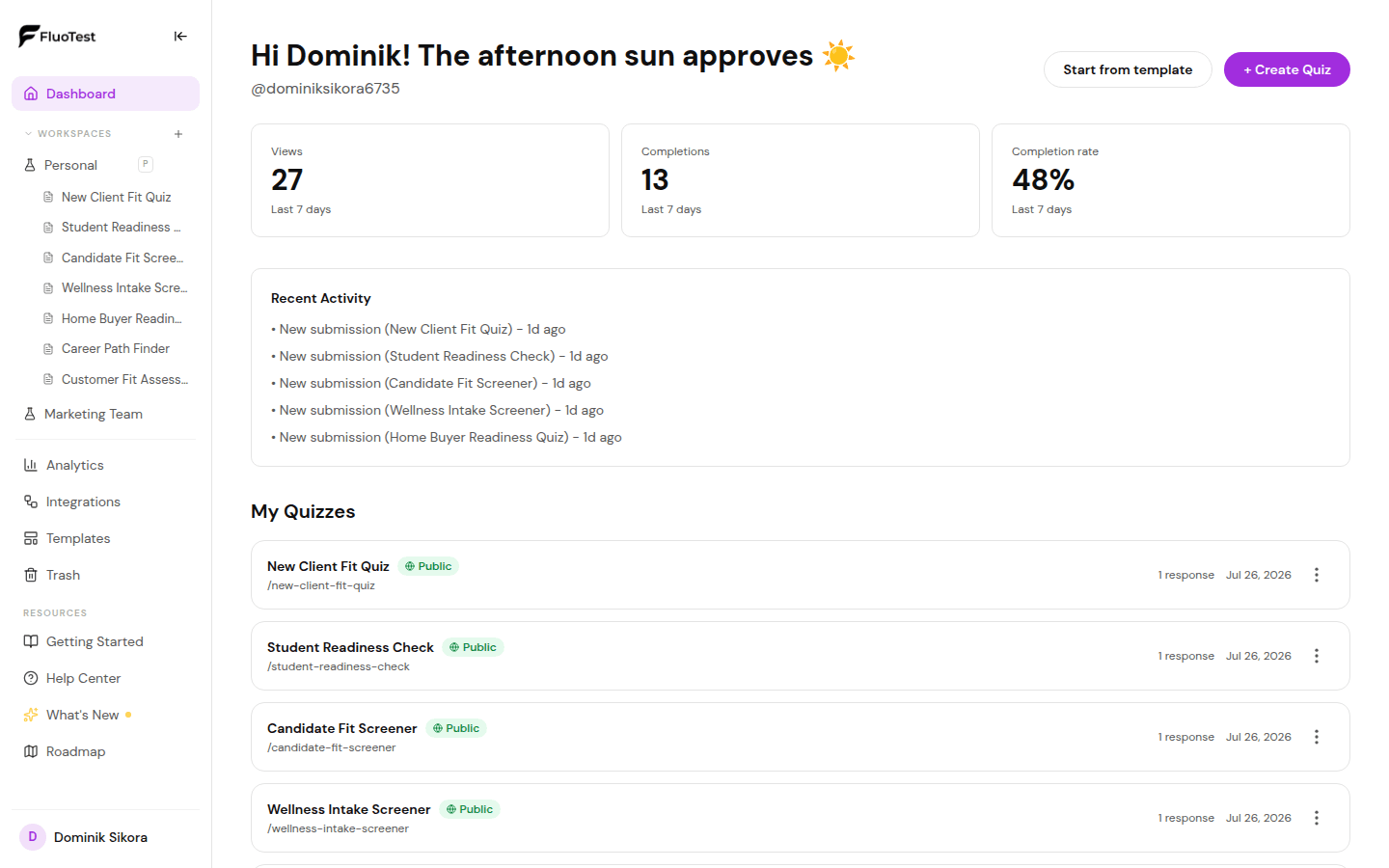
Zoek in je dashboard de quiz die je wilt publiceren.
- 2
Klik op de quiz om de builder te openen.
- 3
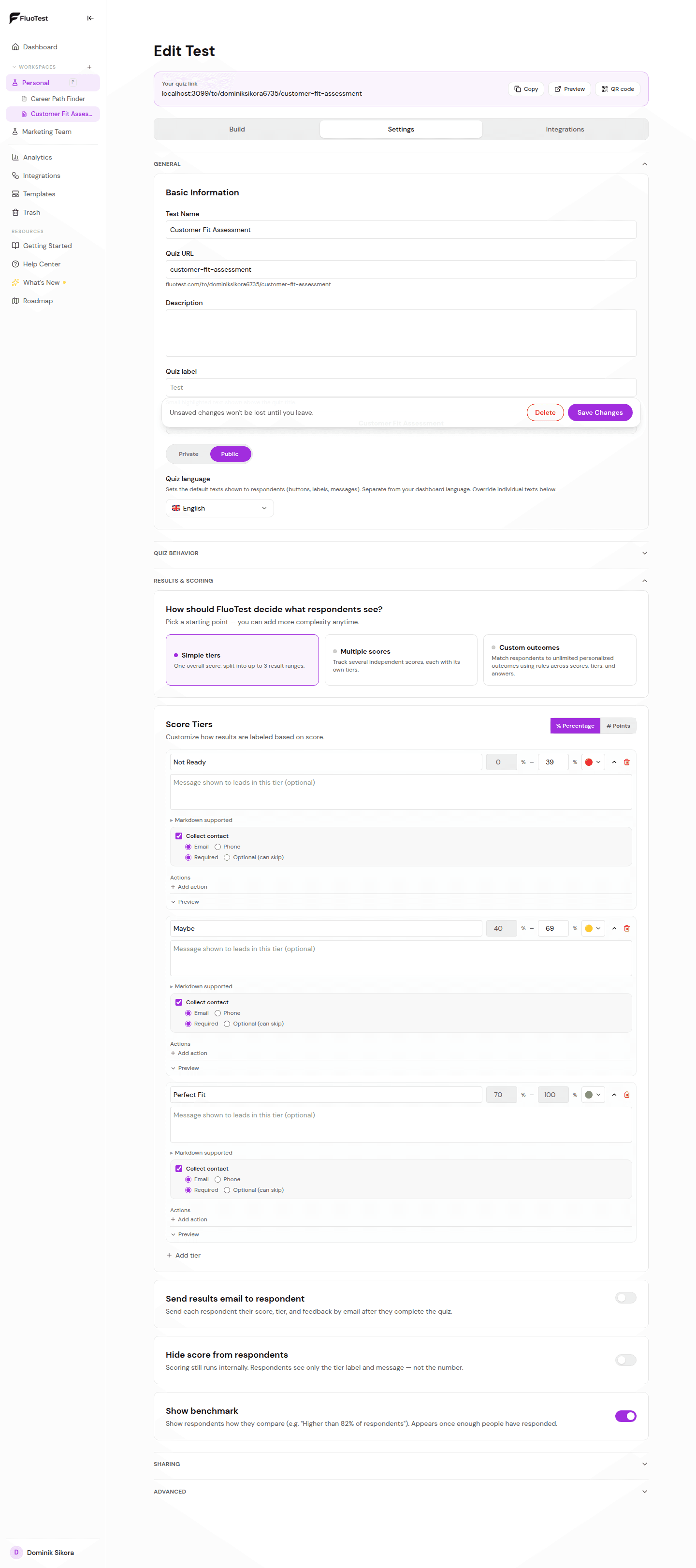
Zoek de schakelaar "Zichtbaarheid" in de quizinstellingen (rechtsboven in de builder).
- 4
Zet hem op "Openbaar". Je quiz is nu live op zijn URL.
- 5
Kopieer de quiz-URL en test hem in een incognitovenster om te bevestigen dat hij openbaar toegankelijk is.
- 6
Als je hem ooit offline wilt halen, zet de schakelaar terug op "Privé". Bestaande links werken dan onmiddellijk niet meer.
Was dit nuttig?