Deel of embed je quiz
Zodra je quiz openbaar is, kun je hem delen als directe link, of embedden op je website als inline blok, pop-up, inschuifpaneel, of exit-intent prompt.
- 1
Zoek in je dashboard de quiz die je wilt delen.
- 2
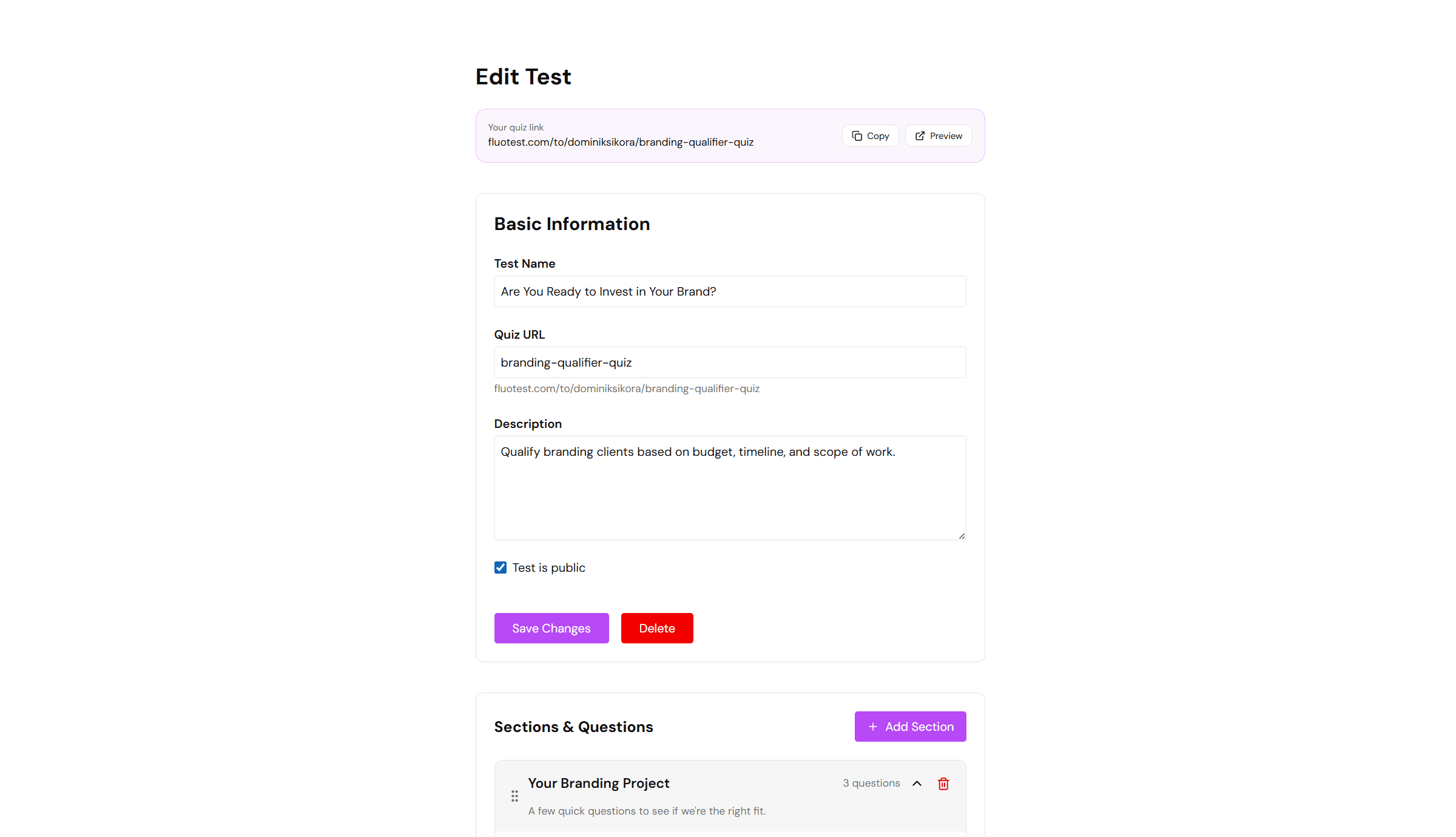
Klik op de knop "Link kopiëren" naast de quiz. Dit kopieert de directe URL naar je klembord.
- 3
Plak de link waar je maar wilt — e-mail, social media, LinkedIn-bio of een knop op je website.
- 4
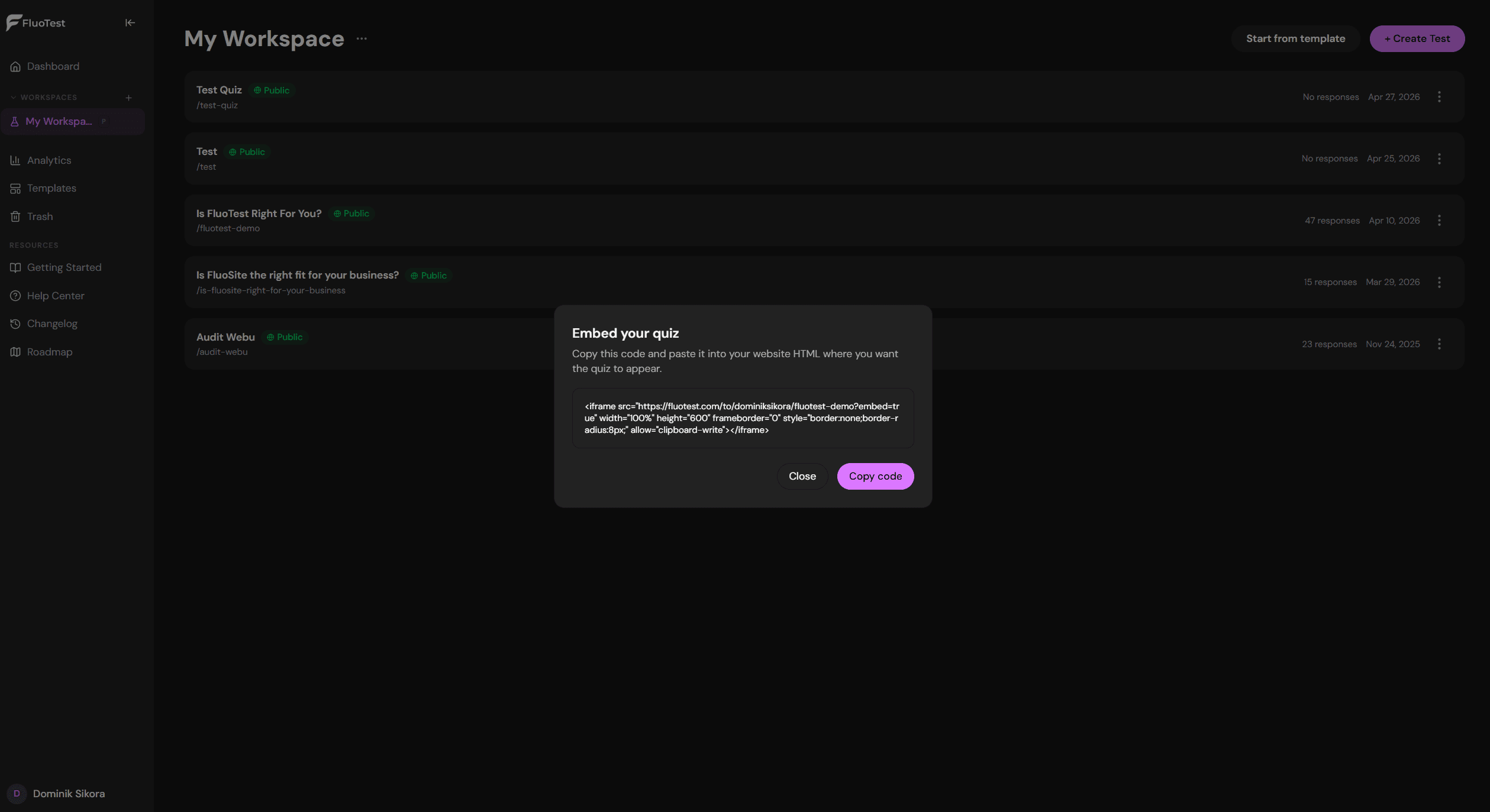
Om de quiz te embedden, open het menu ervan en kies "Embedopties".
- 5
Kies een embedtype: Inline (een vast blok), Pop-up (een zwevende knop), Slide-in (een paneel vanuit de hoek), of Exit-intent (verschijnt wanneer een bezoeker de pagina wil verlaten).
- 6
Kopieer het gegenereerde fragment — een iframe-tag voor Inline, of één script-tag voor de andere drie modi.
- 7
Plak het fragment in de HTML van je website waar je de quiz wilt weergeven. Het werkt in elke websitebouwer die aangepaste HTML toestaat.
- 8
Inline quizzen laden direct op de pagina. Pop-up-, slide-in- en exit-intent-quizzen openen in een overlay wanneer geactiveerd — respondenten verlaten je pagina nooit.
Was dit nuttig?