Change your language
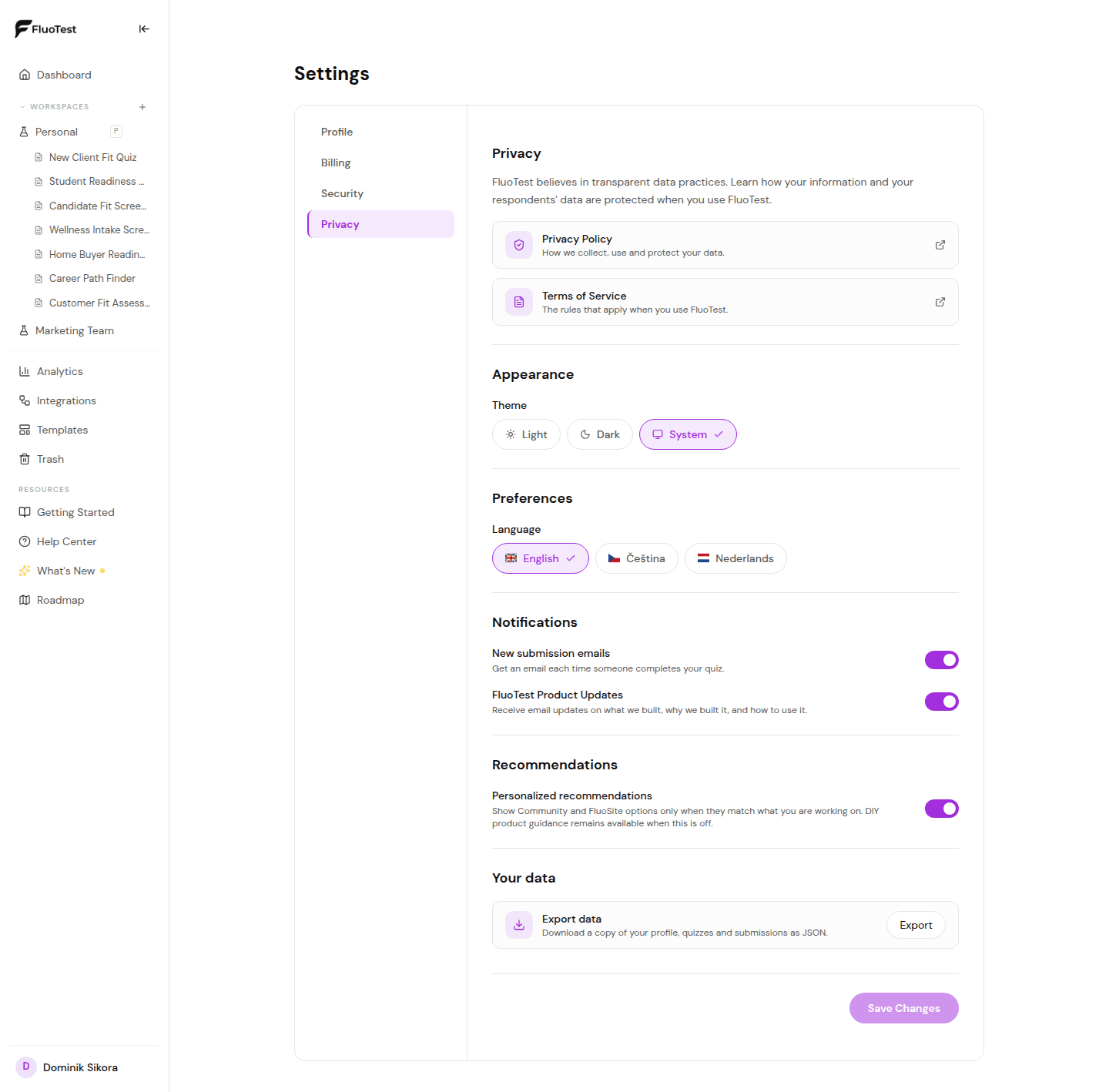
The FluoTest dashboard supports English, Czech, and Dutch, and you can switch at any time. Your public quizzes are separate: they can run in 10 languages (EN, CS, NL, DE, FR, ES, PL, PT, IT, SK), set per quiz in its settings.
- 1
Log in to your FluoTest dashboard.
- 2
Look for the language switcher in the navigation bar at the top of the page.
- 3
Click it and select your preferred language.
- 4
The dashboard will reload in the selected language. Your quiz content itself is not affected — only the interface language changes.
- 5
To set a specific quiz's own language — the language respondents see — open that quiz's "Settings" tab and choose one from the "Quiz language" dropdown. It's independent of your dashboard language and supports 10 languages (EN, CS, NL, DE, FR, ES, PL, PT, IT, SK).
Was this helpful?