Share or embed your quiz
Once your quiz is public, you can share it as a direct link, or embed it on your website as an inline block, popup, slide-in panel, or exit-intent prompt.
- 1
From your dashboard, find the quiz you want to share.
- 2
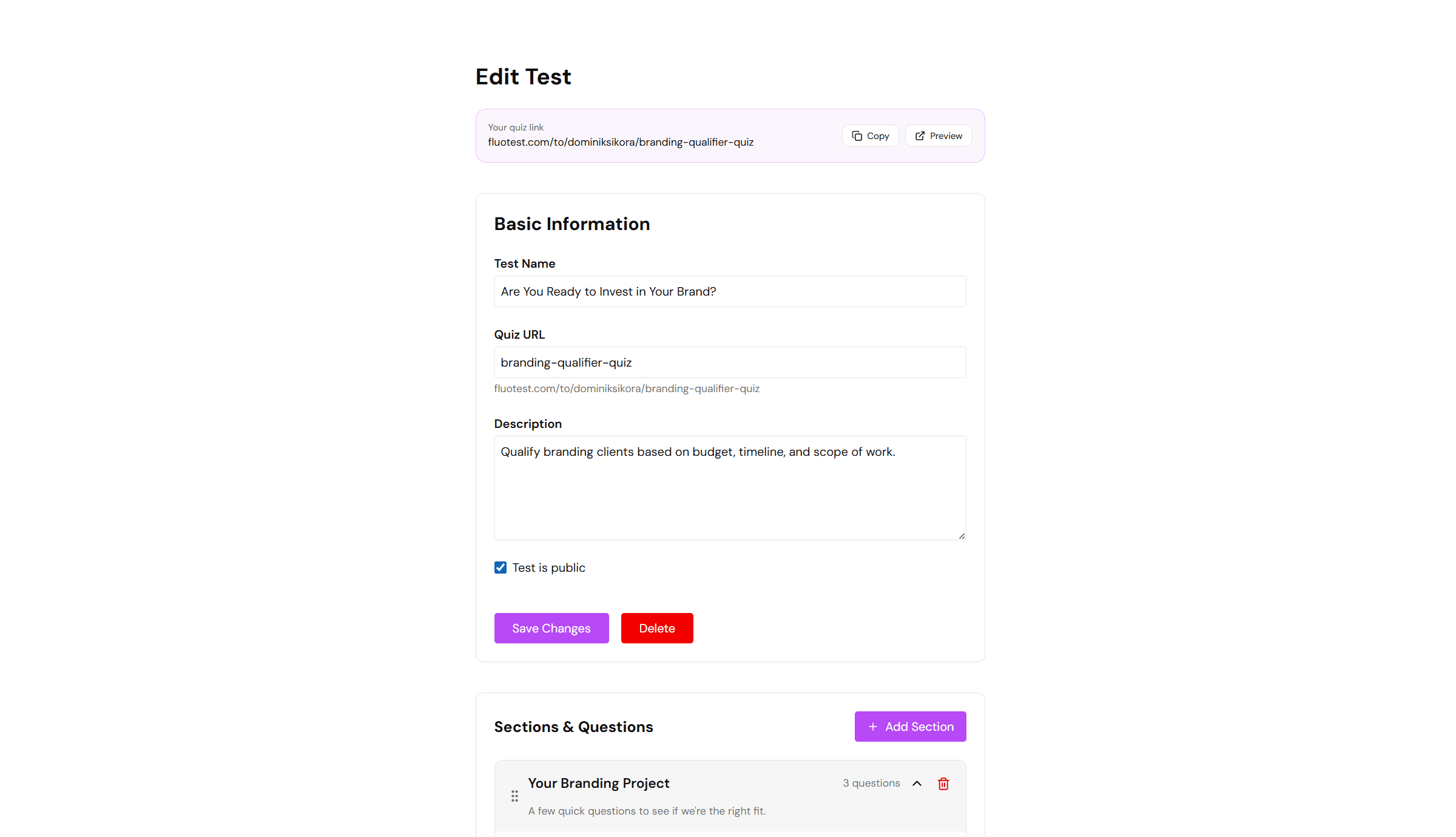
Click the "Copy link" button next to the quiz. This copies the direct URL to your clipboard.
- 3
Paste the link anywhere — email, social media, LinkedIn bio, or a button on your website.
- 4
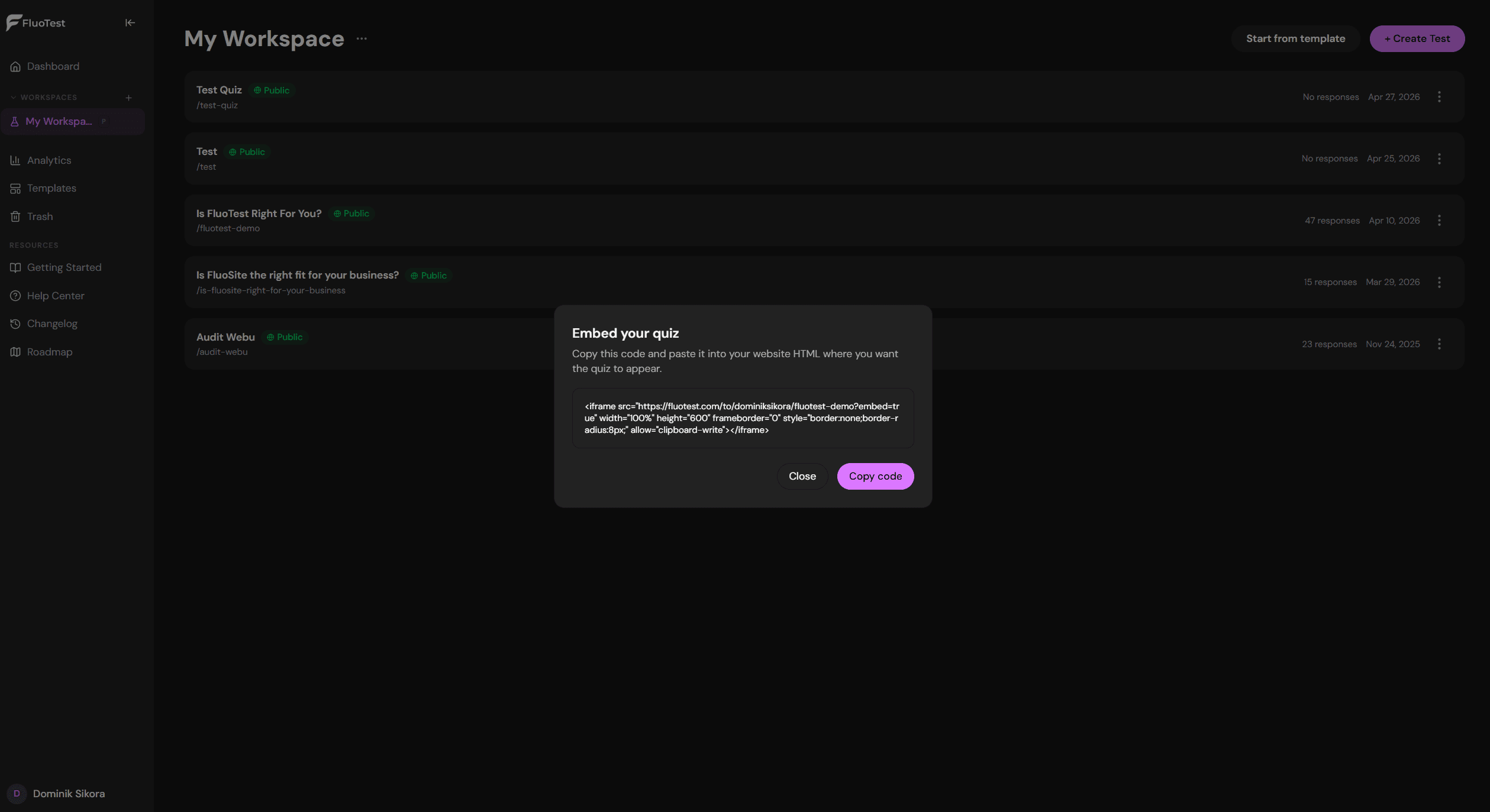
To embed the quiz, open its menu and choose "Embed options".
- 5
Pick an embed type: Inline (a fixed block), Popup (a floating button), Slide-in (a panel from the corner), or Exit-intent (appears when a visitor is about to leave).
- 6
Copy the generated snippet — an iframe tag for Inline, or a single script tag for the other three modes.
- 7
Paste the snippet into your website's HTML where you want the quiz to appear. It works in any website builder that allows custom HTML.
- 8
Inline quizzes load directly on the page. Popup, slide-in, and exit-intent quizzes open in an overlay when triggered — respondents never leave your page.
Was this helpful?