Import a quiz from ScoreApp
If you already built a quiz in ScoreApp, you don't have to rebuild it by hand. Connect with your ScoreApp API key and FluoTest imports the questions, answer options, and scoring categories as a private draft you can review before publishing.
- 1
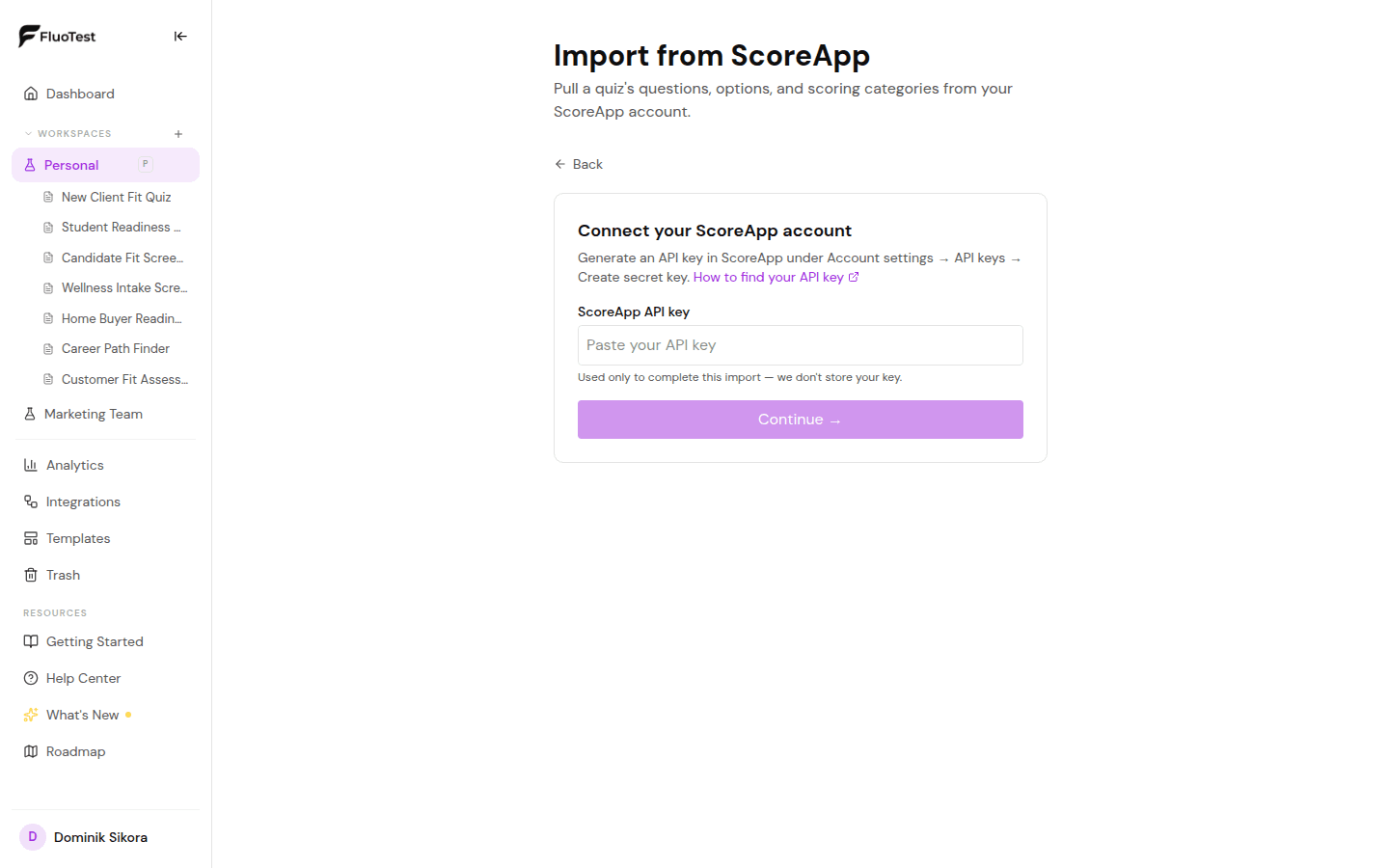
Generate an API key in ScoreApp: Account settings → API keys → Create secret key.
- 2
In FluoTest, go to Dashboard → Tests → Create → Import from another tool → ScoreApp, and paste your API key. It's used only to complete the import and isn't stored.
- 3
Pick the quiz you want to import from the list of your ScoreApp quizzes.
- 4
FluoTest imports the questions, answer options, and scoring categories, and shows a summary of anything that couldn't be mapped exactly — review those before publishing.
- 5
The imported quiz is created as a draft. Review the questions, set up score tiers if you use multiple score categories, then publish when you're ready.
Was this helpful?