Custom messages per score tier
Write a custom message for each score tier so every respondent gets a response that matches their result.
- 1
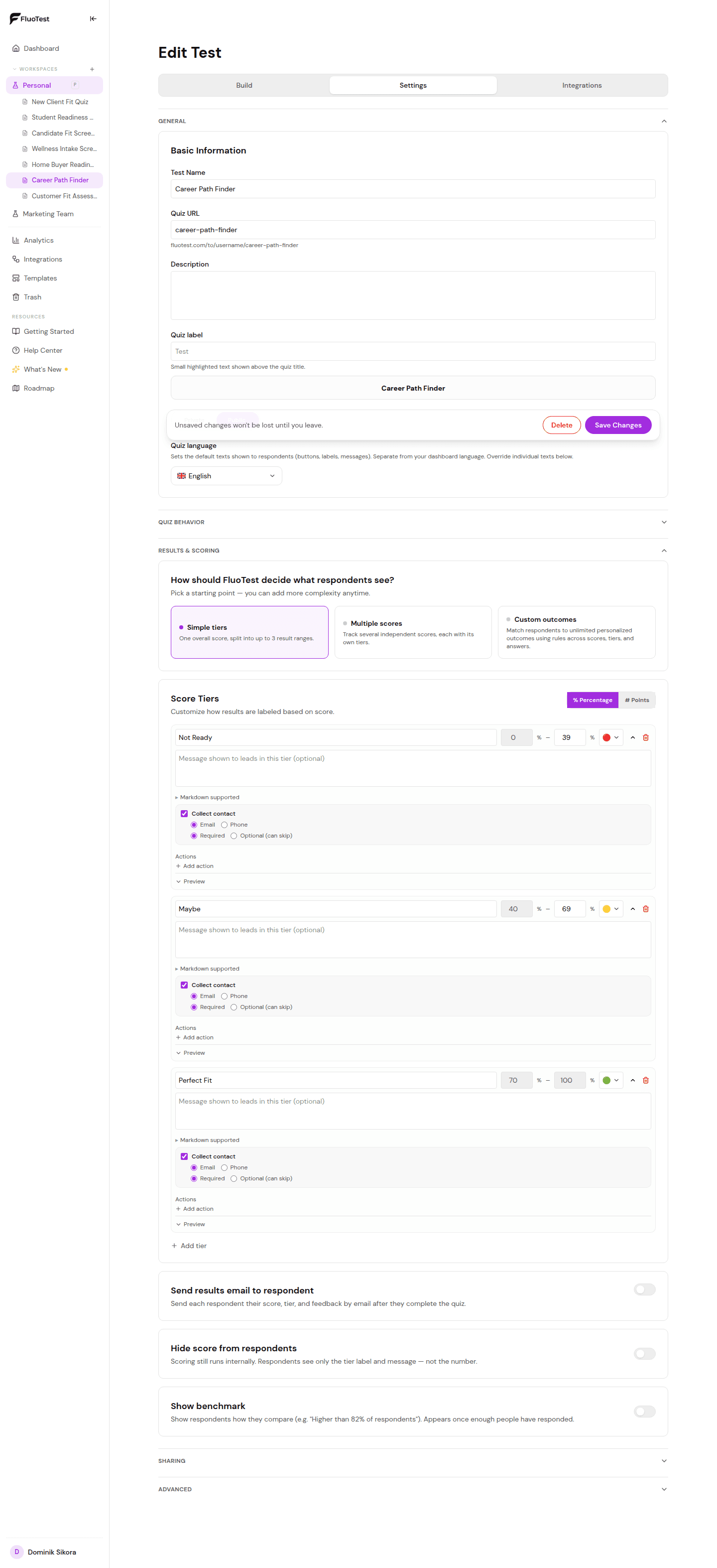
Open your quiz builder, expand "Results & scoring," choose "Simple tiers," and scroll to the tier list.
- 2
Click on a tier to expand it.
- 3
Find the "Outcome message" field. This is what respondents see after completing the quiz.
- 4
Write a message tailored to that score level. For example, for a high tier: "Great news — you are a perfect fit. Book a call below." For a low tier: "Thanks for taking the quiz. Here is a free resource that might help."
- 5
You can include a call-to-action: a booking link, a redirect URL, or an email capture form.
- 6
Repeat for each tier.
- 7
Save and test by completing the quiz at different score levels to see each outcome.
Was this helpful?