Add a time limit or a response cap
Two settings put a limit on a quiz. A time limit gives each respondent a fixed number of minutes and submits the quiz for them when the time runs out. A response limit closes the quiz once a set number of people have completed it, which is handy for limited offers, workshops with a fixed number of seats, or giveaways.
- 1
Open the quiz in the editor.
- 2
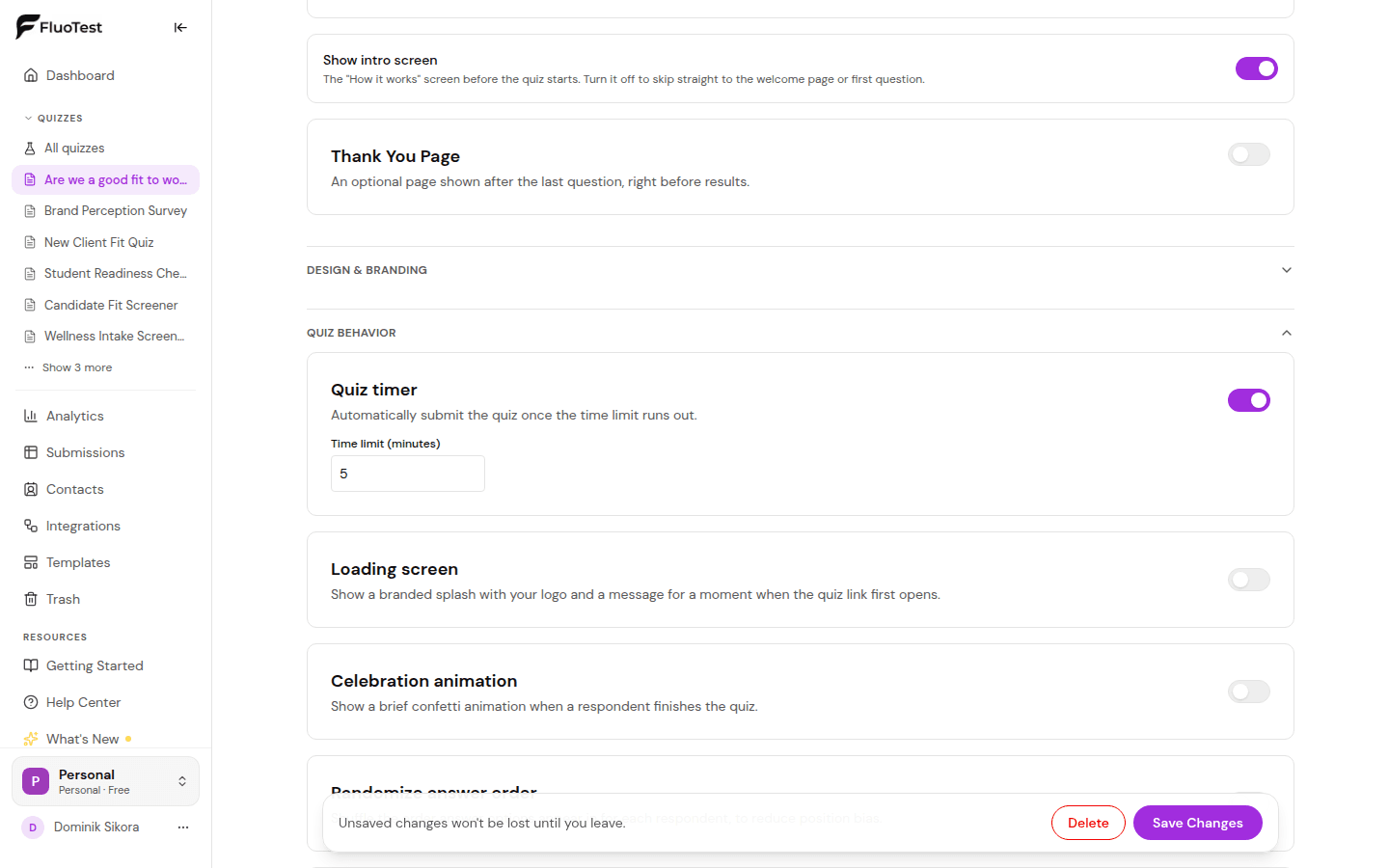
For a time limit, go to the "Experience" tab and open "Quiz behavior". Turn on "Quiz timer" and enter the time limit in minutes.
- 3
Respondents see a countdown while they take the quiz. When it reaches zero, the quiz is submitted automatically with the answers given so far.
- 4
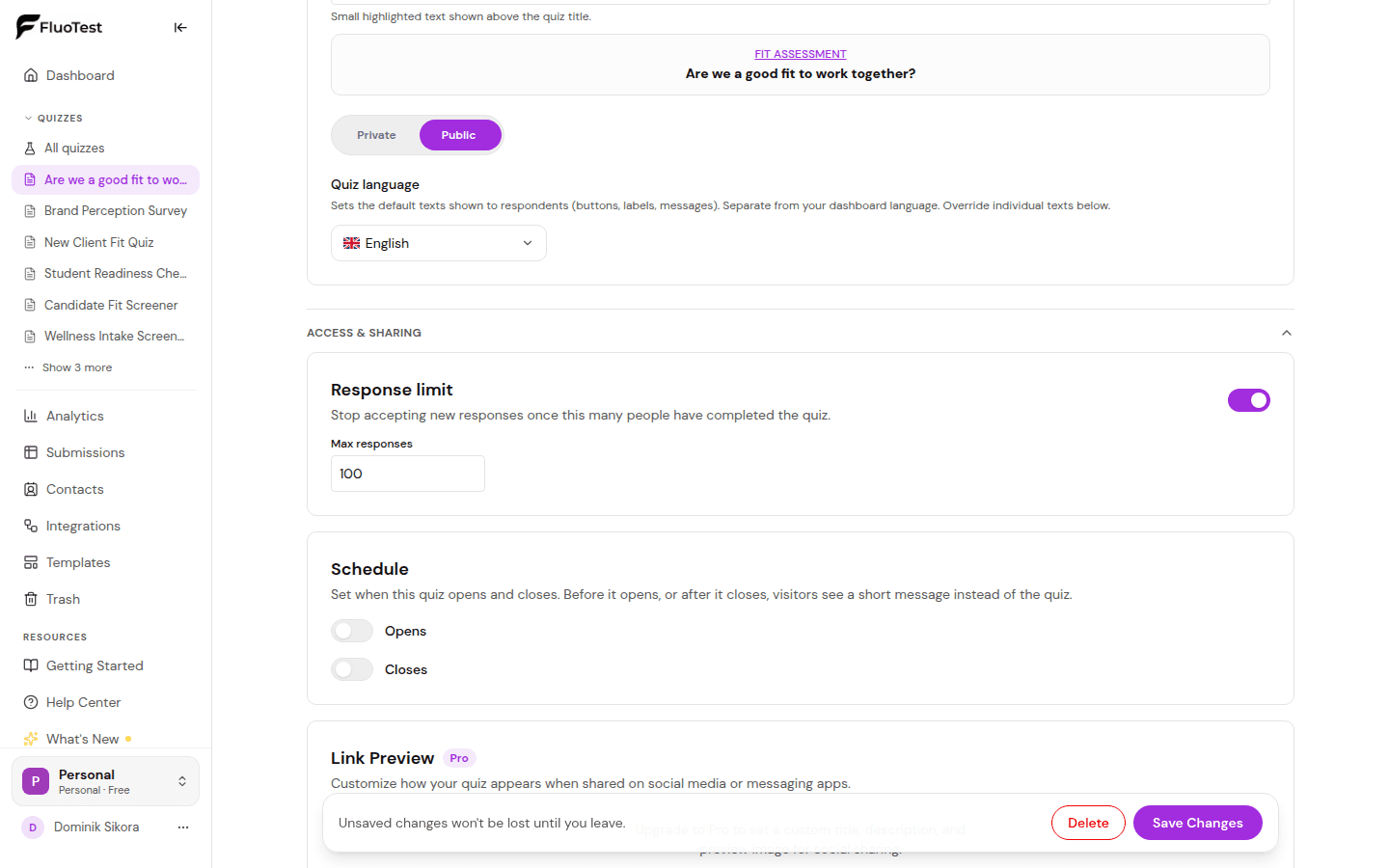
For a response limit, go to the "Publish" tab and open "Access & sharing". Turn on "Response limit" and enter the maximum number of responses.
- 5
Once that many people have completed the quiz, it stops accepting new responses and visitors see a closed message instead. Submissions are also refused on the server, so a direct link can't get around the limit.
- 6
Save your changes. To change what visitors see once the limit is reached, open the "Experience" tab, then "Advanced", and edit "Response Limit Message" under "Error Messages".
- 7
To remove either limit, turn its switch off again and save.
Was this helpful?