Manage your team
Anyone can create workspaces to keep client or brand work separate. Inviting collaborators and sharing quizzes with them is a Pro feature.
- 1
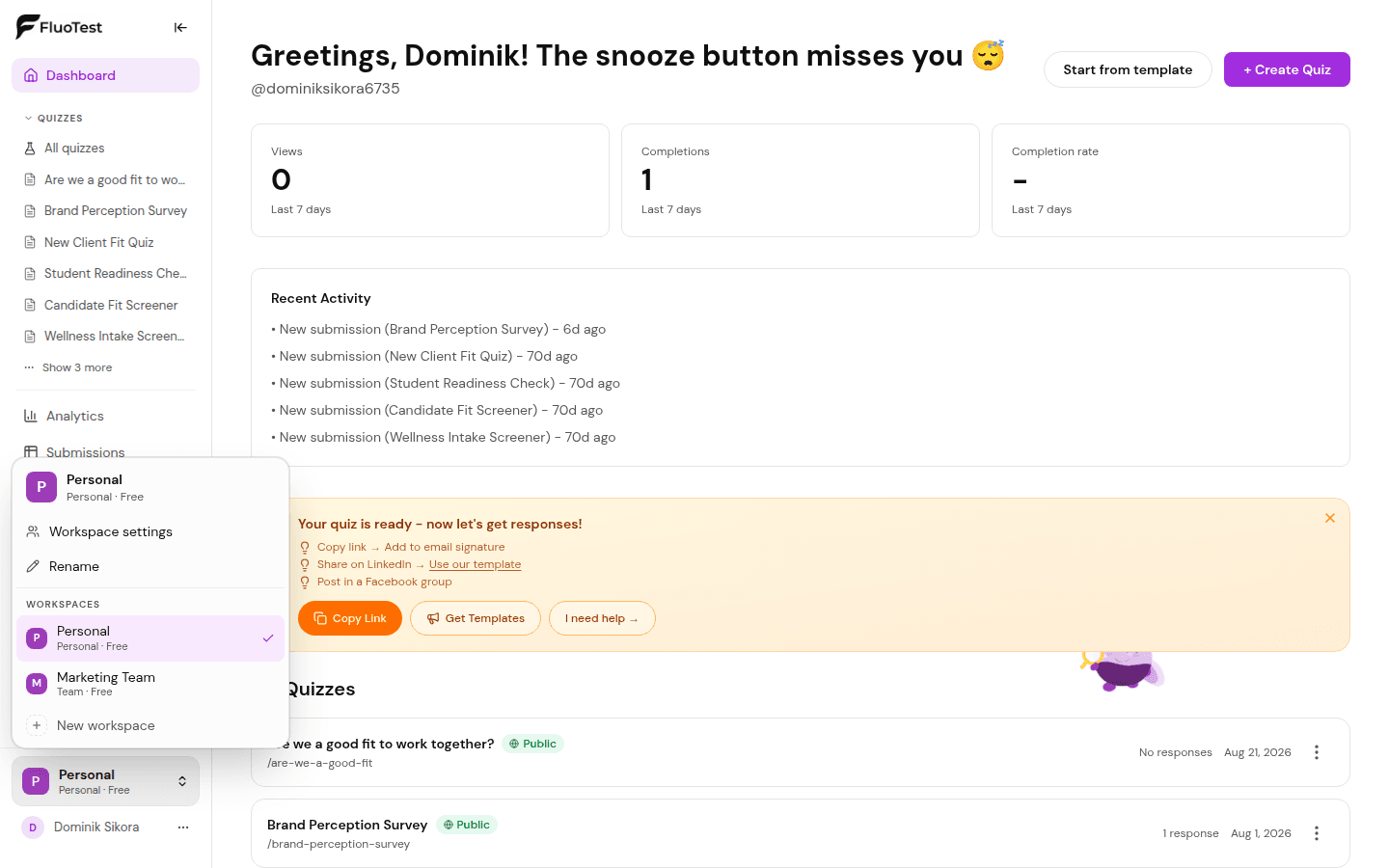
Use the workspace switcher at the bottom of the sidebar to create a workspace and move between it and your personal workspace. Each workspace has its own address, and the sidebar, Dashboard, Submissions, Contacts and other pages show only that workspace's quizzes and data while you're in it.
- 2
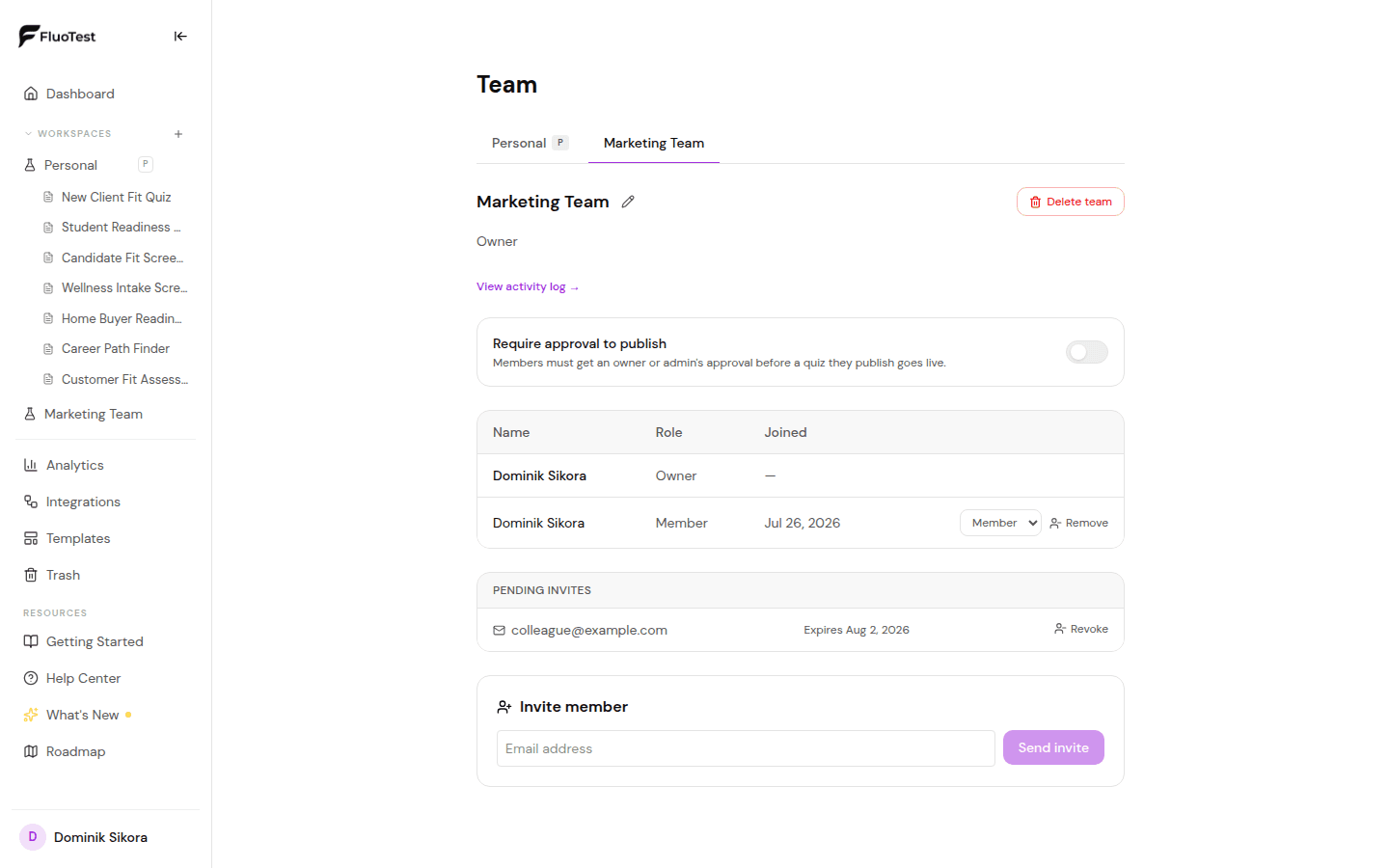
Manage a workspace from the same switcher: rename it, open members and invites, or leave or delete it. The sidebar remembers the workspace you were in, and a new quiz is created in the workspace you're working in.
- 3
Invite collaborators by email; they join your workspace when the owner is Pro.
- 4
Set a shared quiz's access to View or Edit so teammates can see analytics or make changes.
- 5
Move a quiz into a workspace to share it; personal quizzes stay private to you.
- 6
Collaborators can use Pro features inside your workspace, even on their own free accounts.
- 7
Need a read-only collaborator? Set their role to Viewer — they can see shared quizzes and analytics but can't edit, delete, or manage the team.
- 8
Check the workspace page's Activity log to see invites, role changes, and quiz publish, move, and delete events across your team.
- 9
Turn on "Require approval to publish" if you want an owner or admin to review a quiz before a member's first publish goes live.
Was this helpful?