Benchmarking & percentiles
Benchmarking adds a line like "Higher than 82% of respondents" to results, computed from everyone who has taken your quiz.
- 1
In Settings → Results & scoring, turn on Show benchmark.
- 2
Publish and collect responses — FluoTest builds the comparison automatically.
- 3
Once enough people have responded (around 20), respondents see their percentile, top %, and whether they're above or below average.
- 4
In multi-score quizzes, each category gets its own benchmark.
- 5
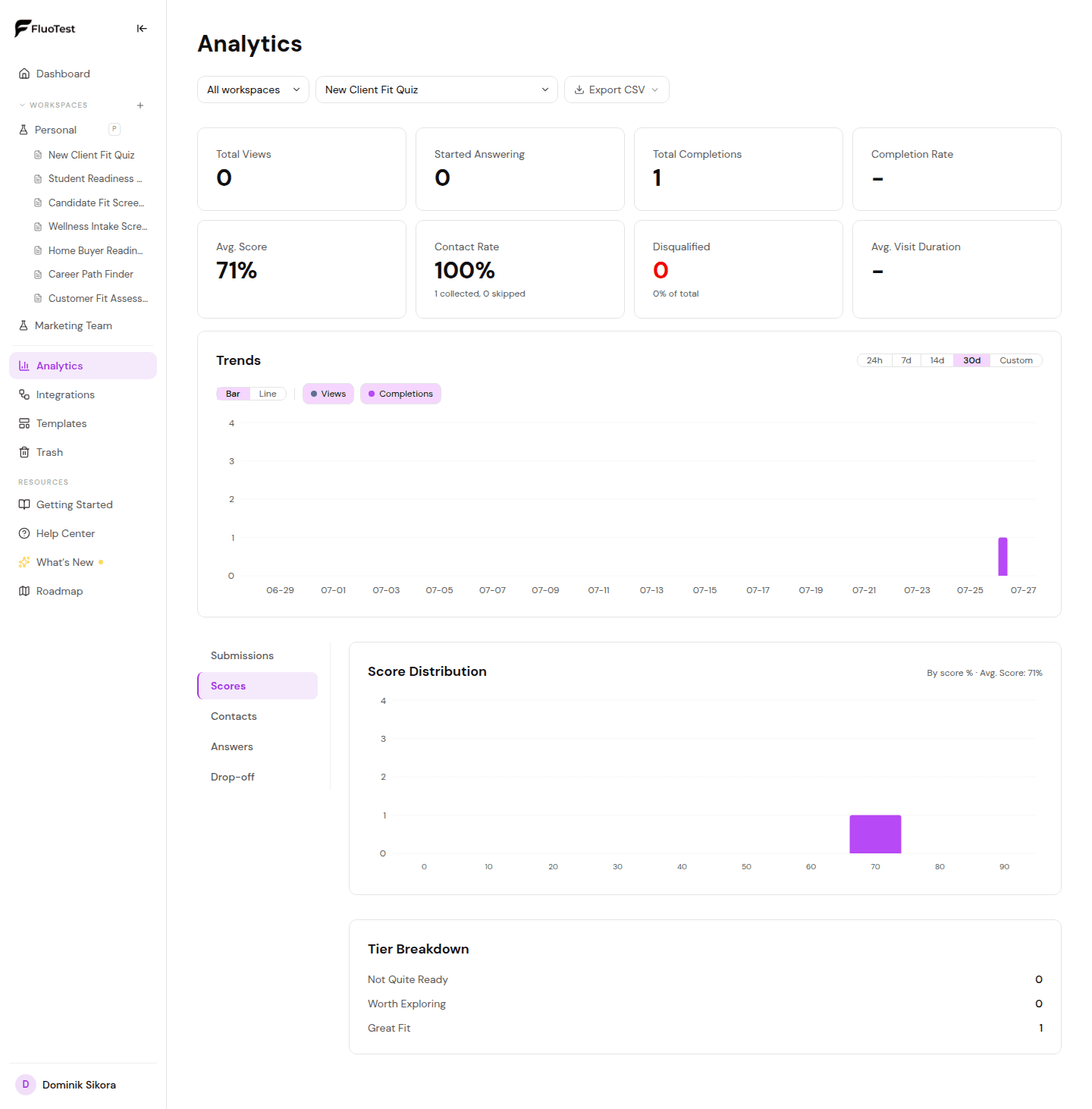
Your Analytics also show score distributions per category and outcome conversion rates.
Was this helpful?