Start from a template
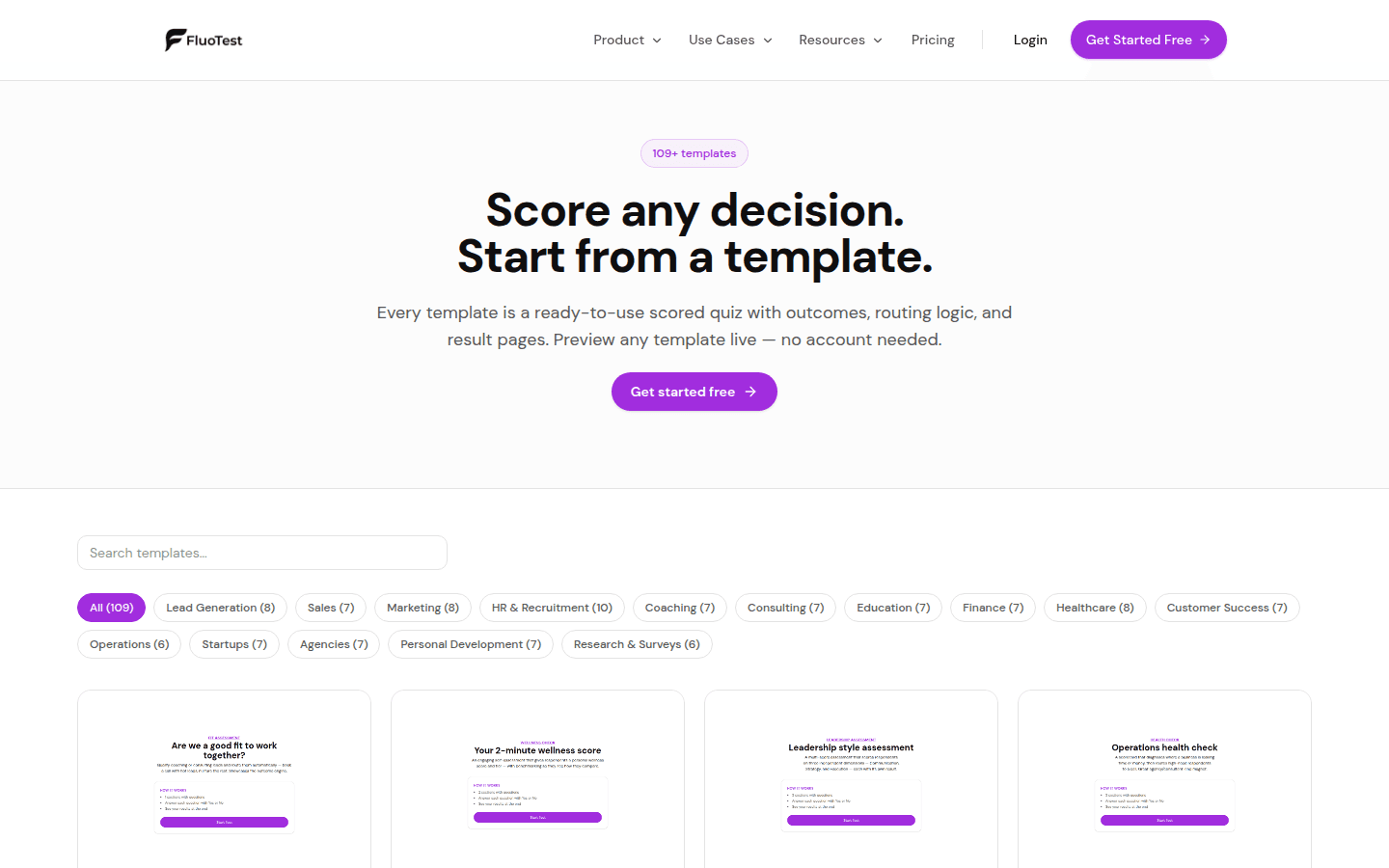
Templates give you a fully built quiz — questions, scoring, and results — for common use cases like lead qualification, wellness checks, assessments, and knowledge tests.
- 1
Go to Dashboard → Tests → Templates to browse the library, which opens on a hand-picked Featured row.
- 2
Filter by one or more categories, sort by Featured, Most used, Newest or A–Z, or search by keyword — the search also looks inside each template's questions. Each card shows how many people have used it.
- 3
Click Preview on any template to take it live in a new tab — nothing is saved, so you can try it exactly as a respondent would.
- 4
When you find one you like, click Use this template to create your own editable copy.
- 5
Customize the questions, scoring, outcomes, and branding to fit your business, then publish.
Was this helpful?